eufy Robot Vacuum Omni C20

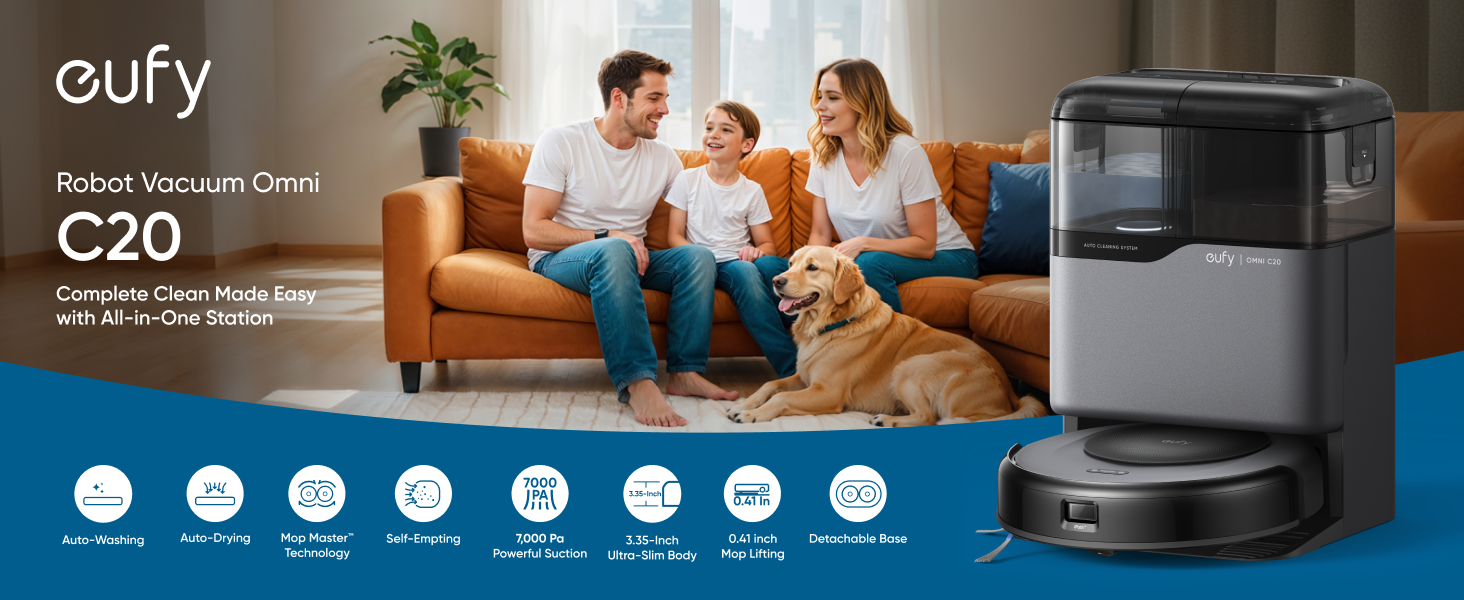
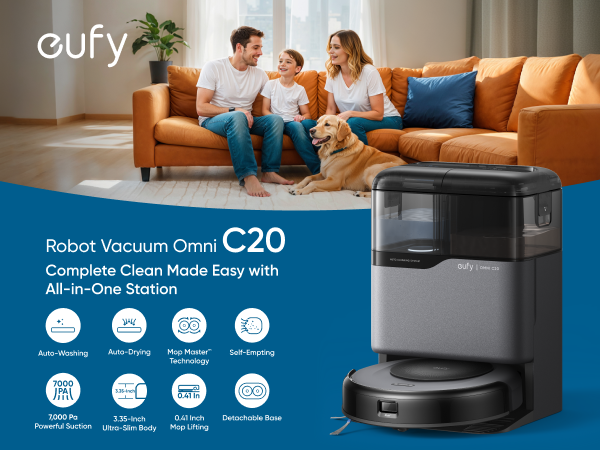
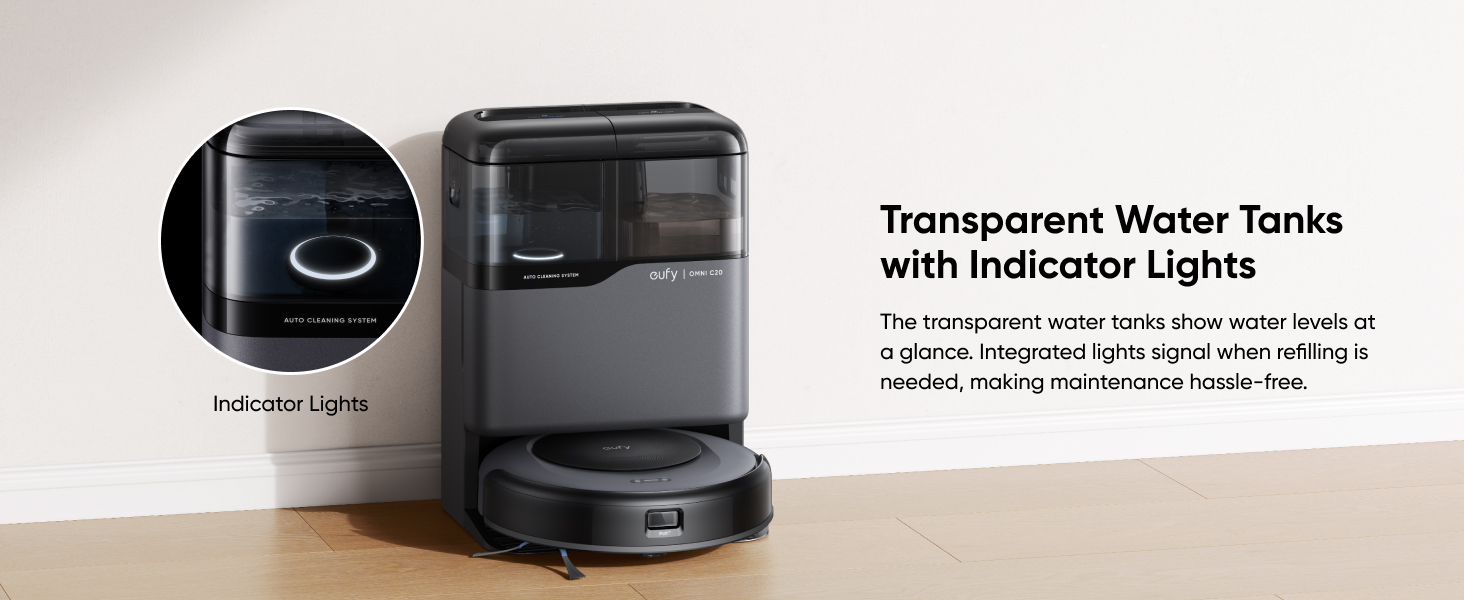
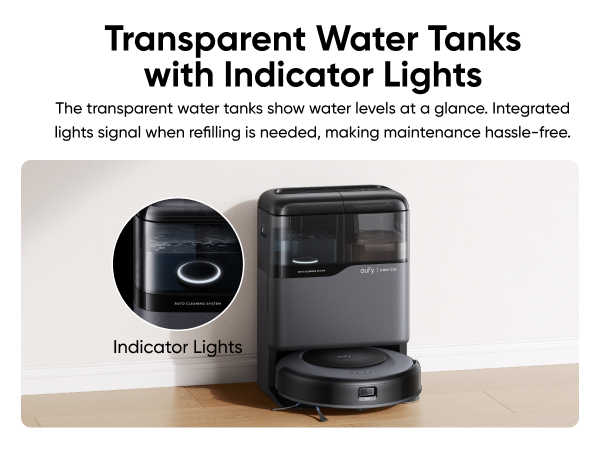
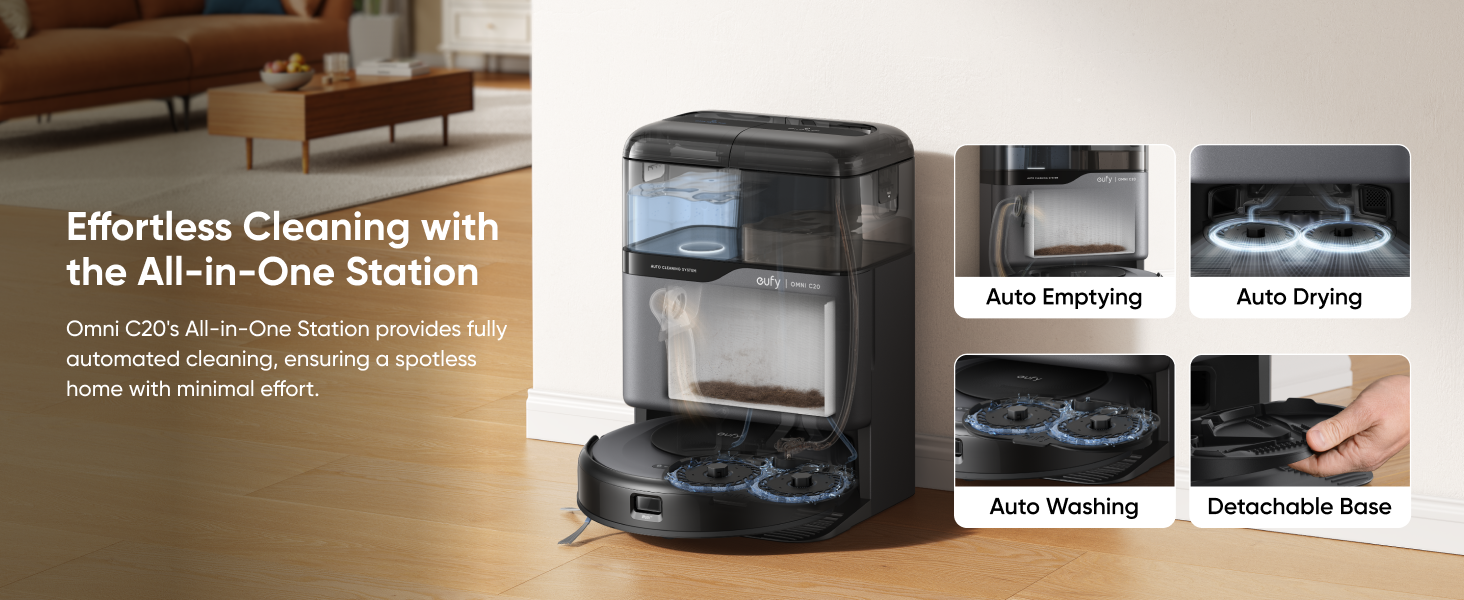
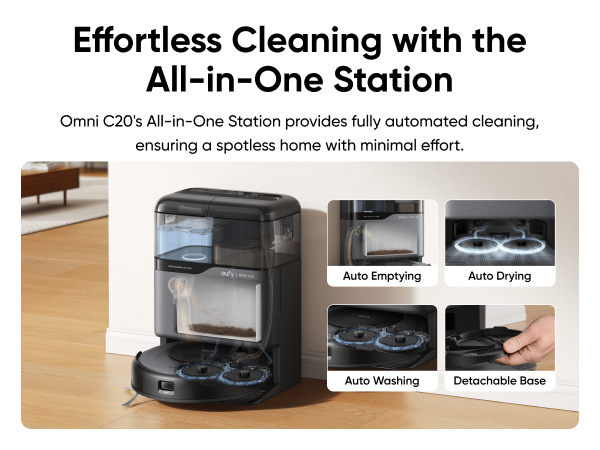
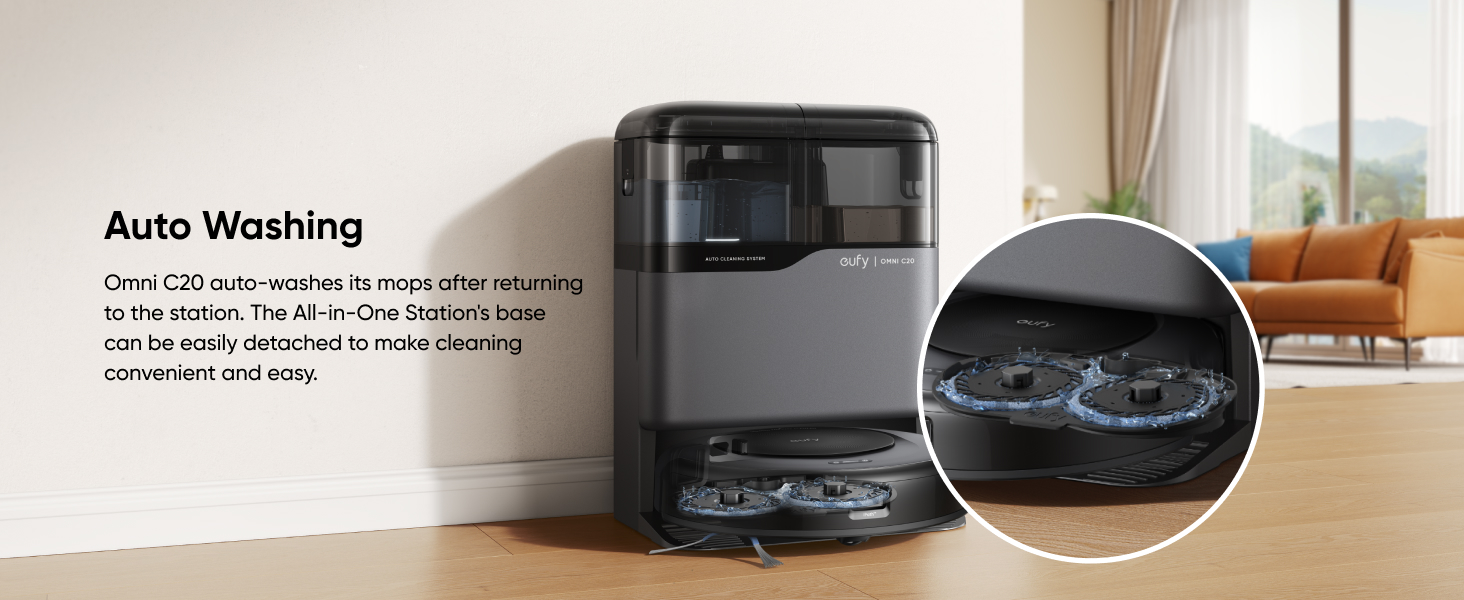
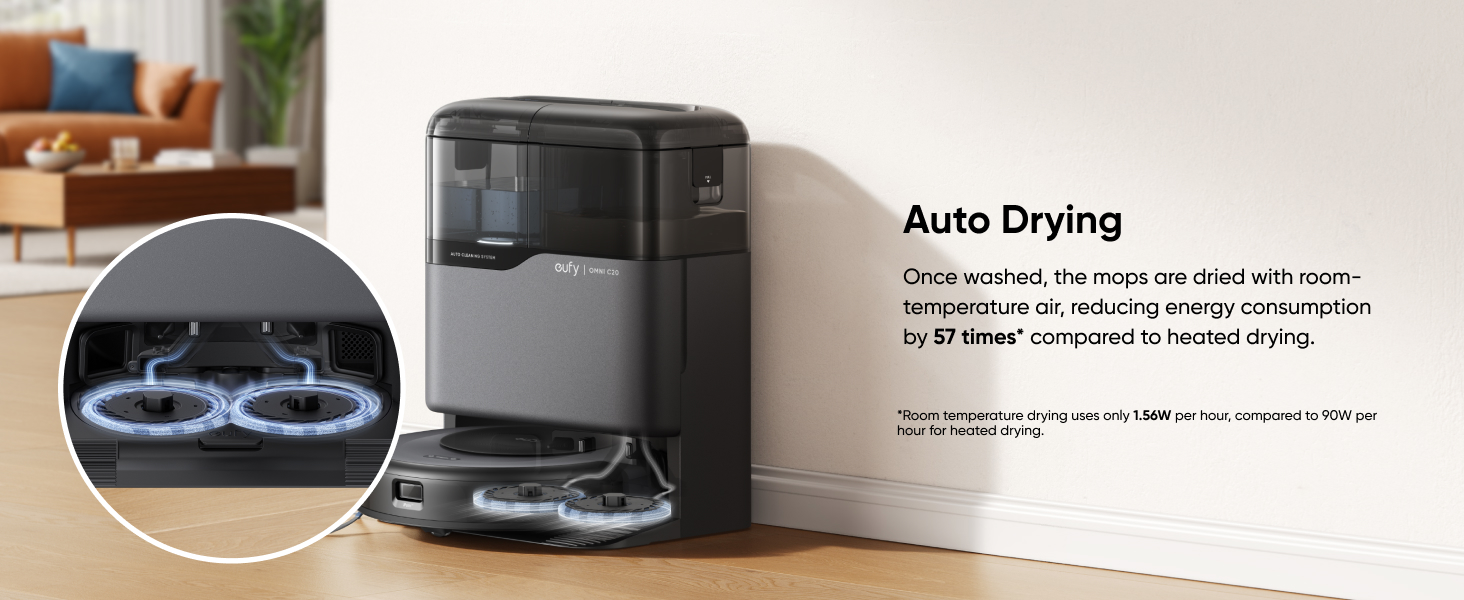
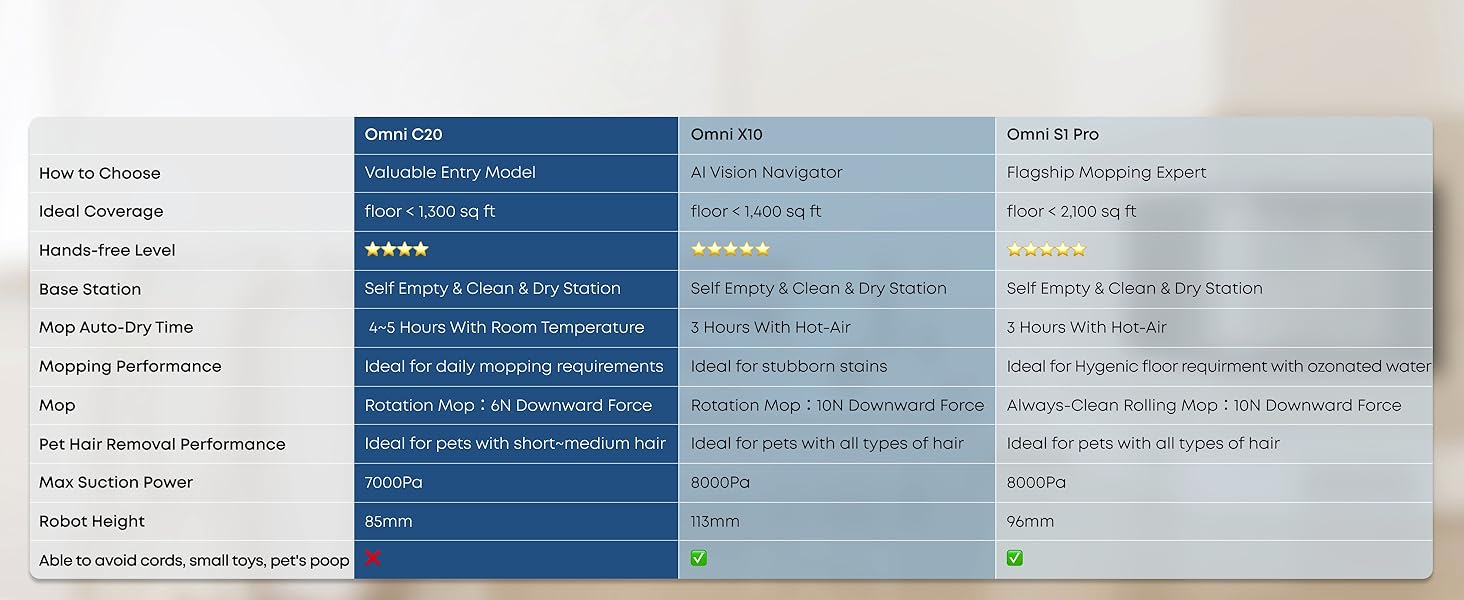
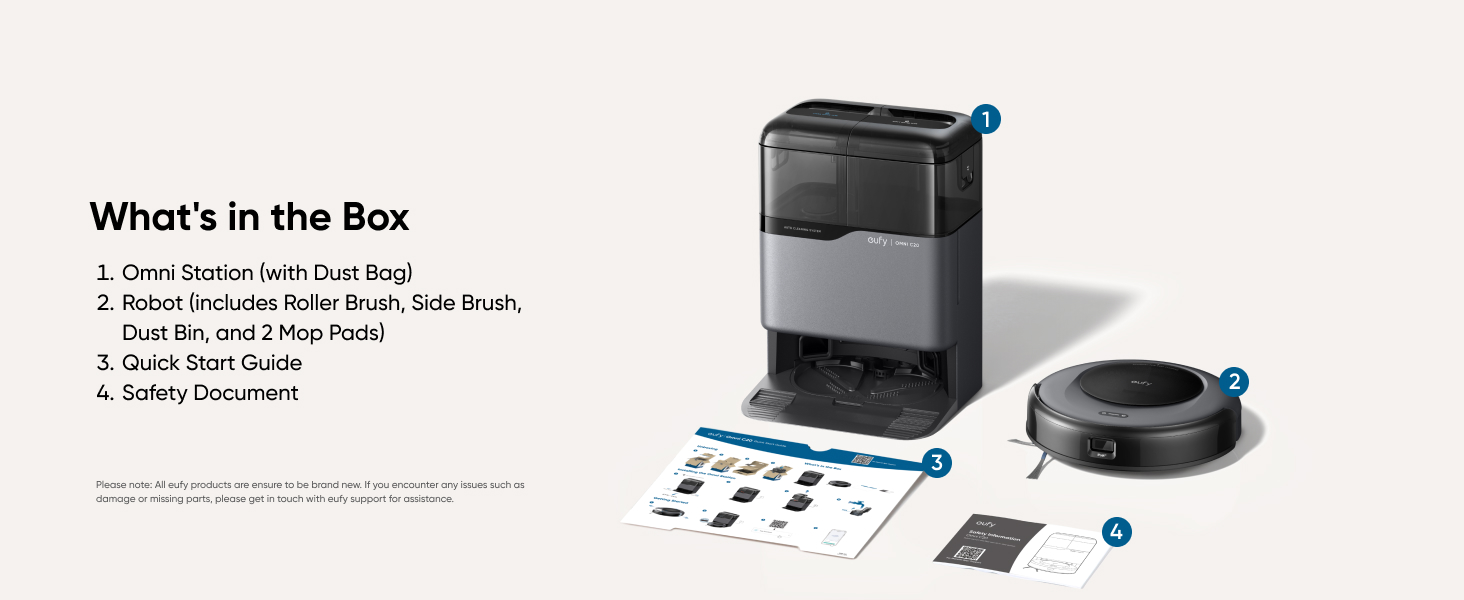
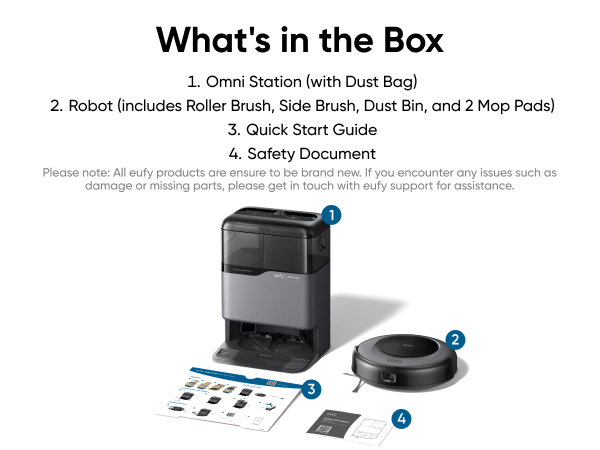
- All-in-One Station: eufy Robot Vacuum Omni C20 offers fully automated cleaning with features like auto emptying, washing, drying, and water refilling. The station dries the mop with room-temperature air and has transparent water tanks, allowing you to easily monitor water levels without opening them. This hands-free system ensures effortless maintenance.
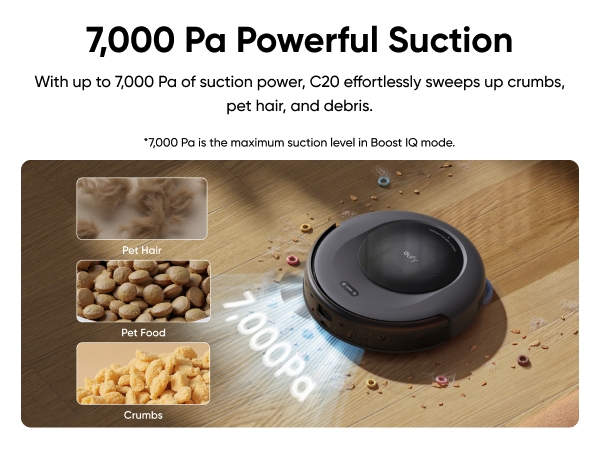
- 7,000 Pa Powerful Suction: Equipped with a robust 7,000 Pa suction, a rolling brush, and a side brush, C20 efficiently tackles dirt, crumbs, pet hair, and debris.
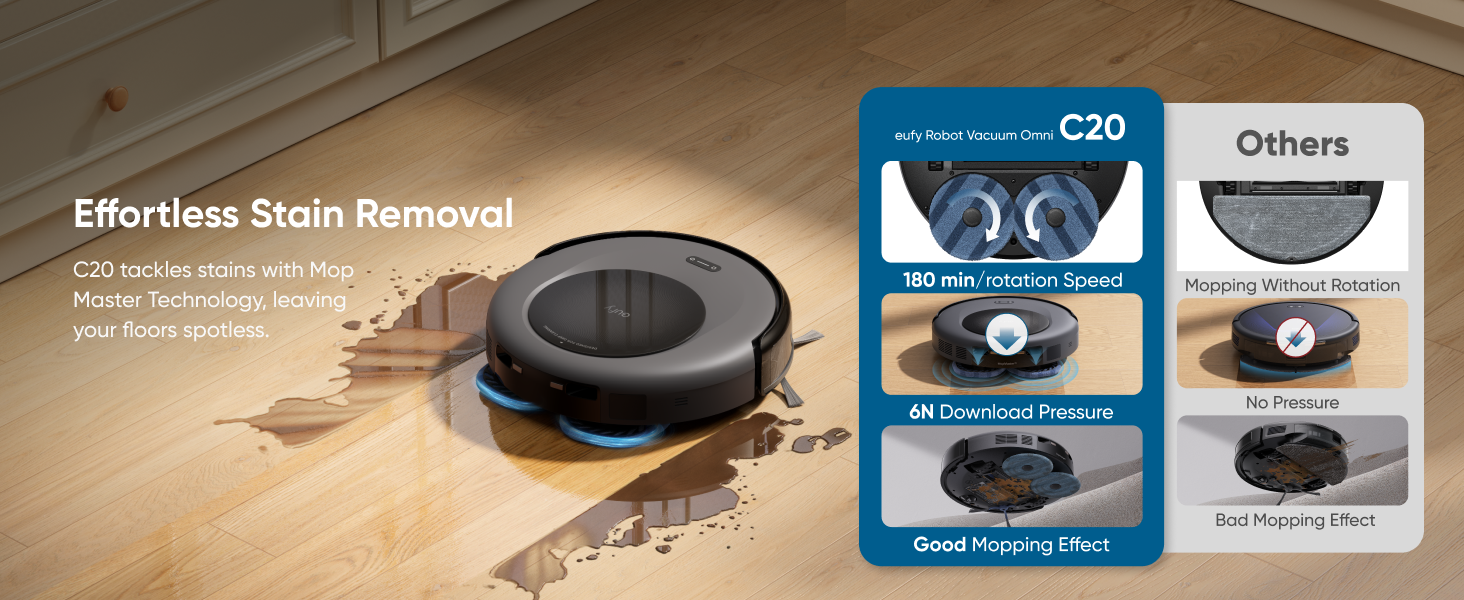
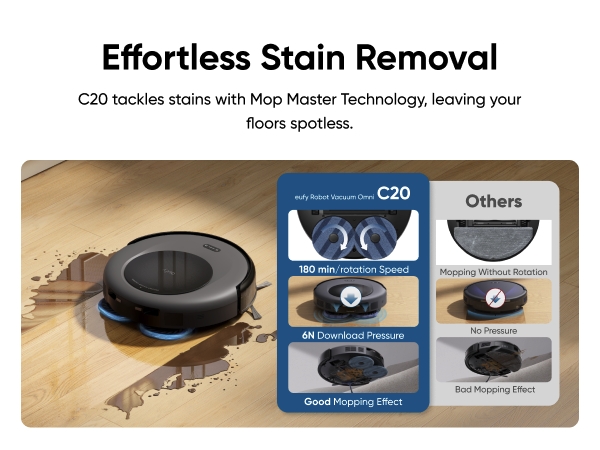
- Mop Master™ Technology: With 180 rotations per minute and 6N of pressure, Omni C20 effortlessly removes tough stains. It features dual sweeping and mopping modules, allowing simultaneous cleaning through the app and maximizing efficiency.
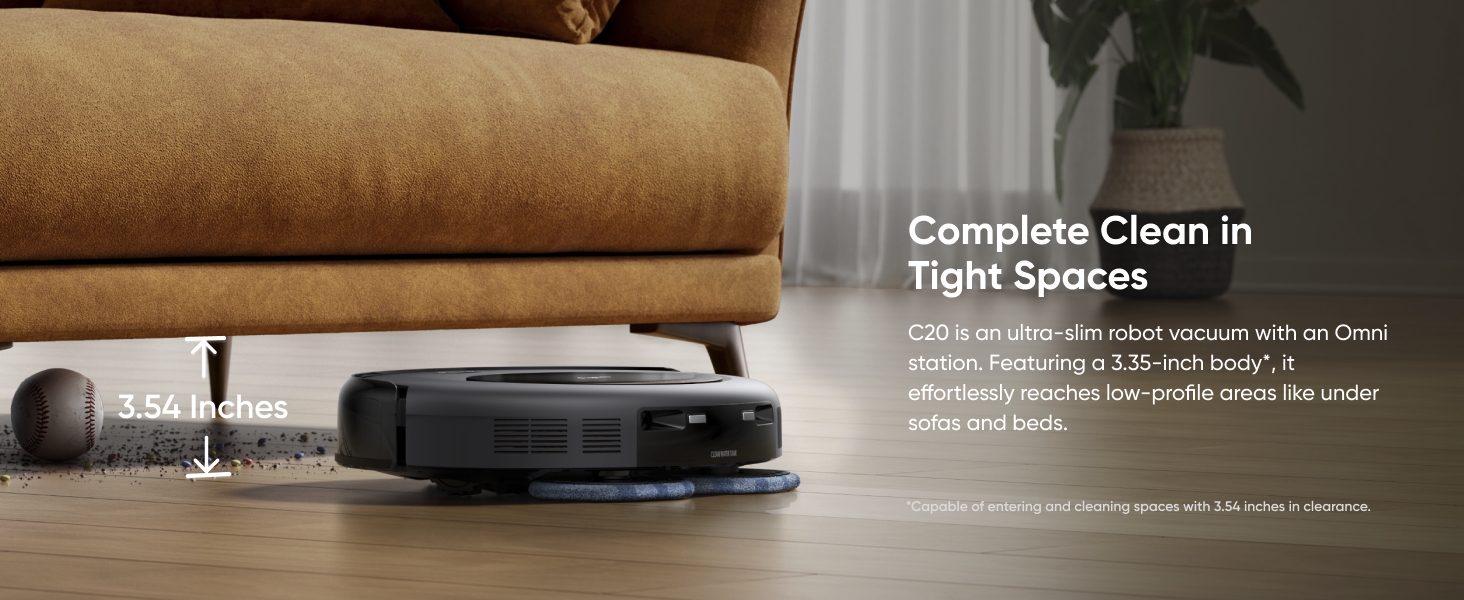
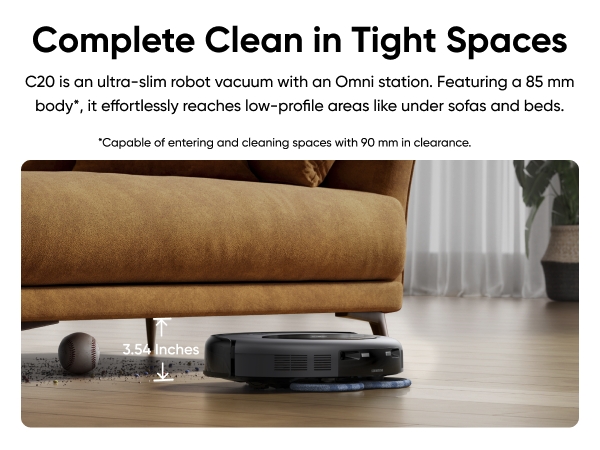
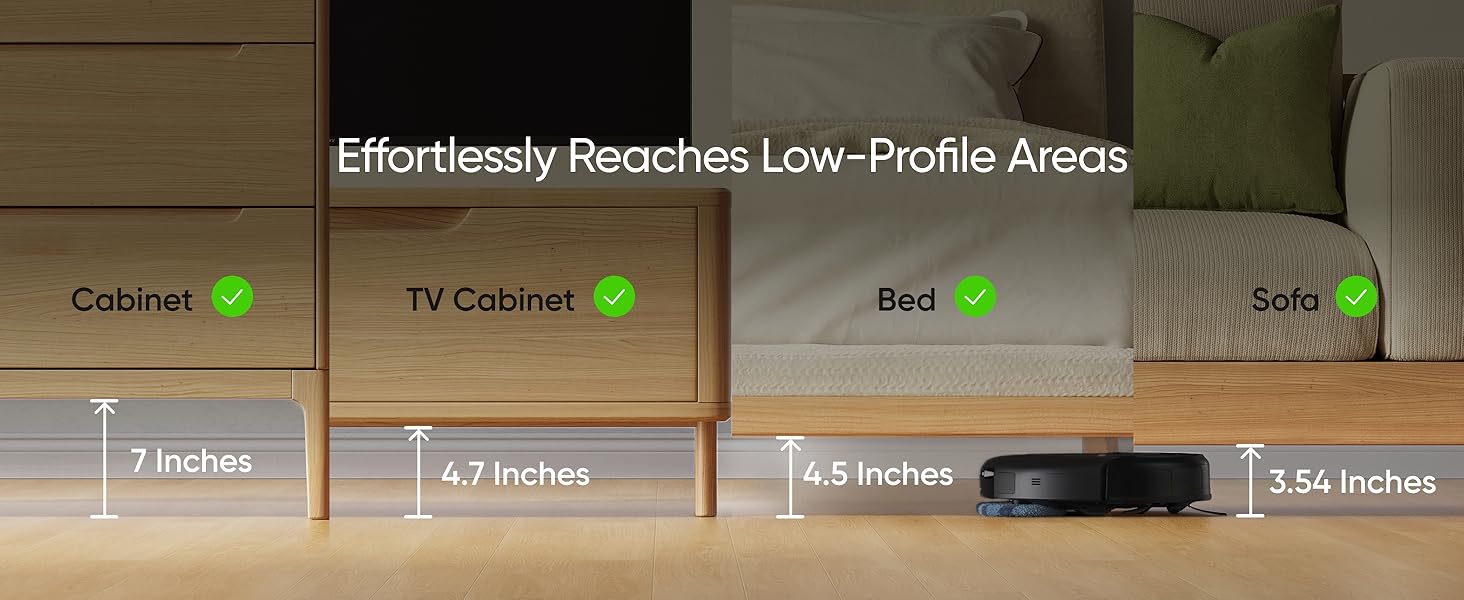
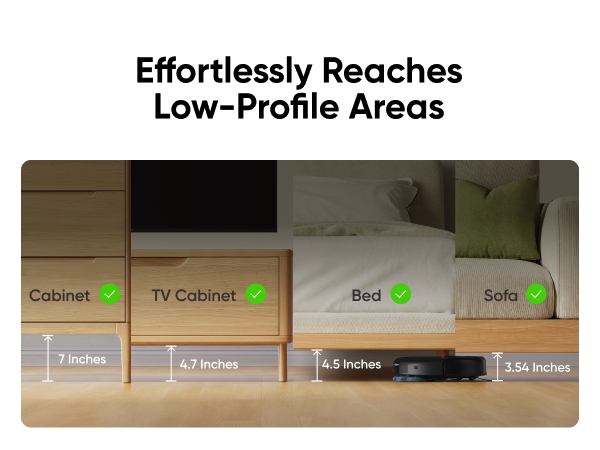
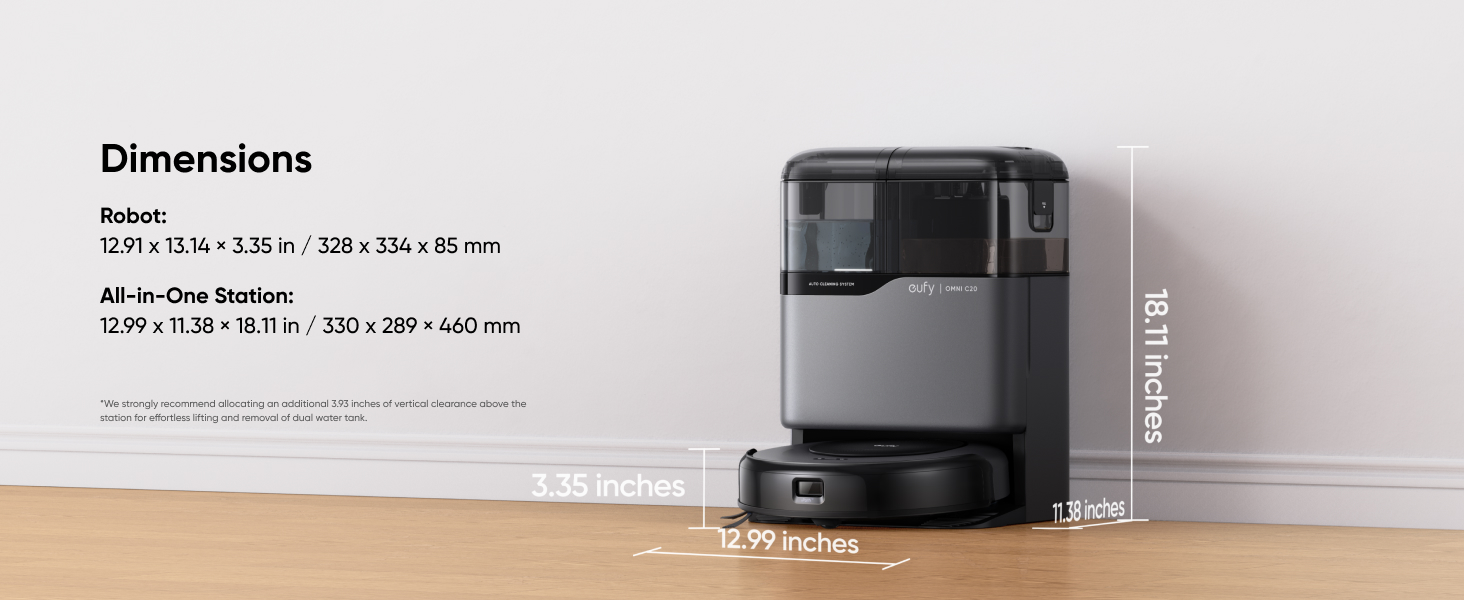
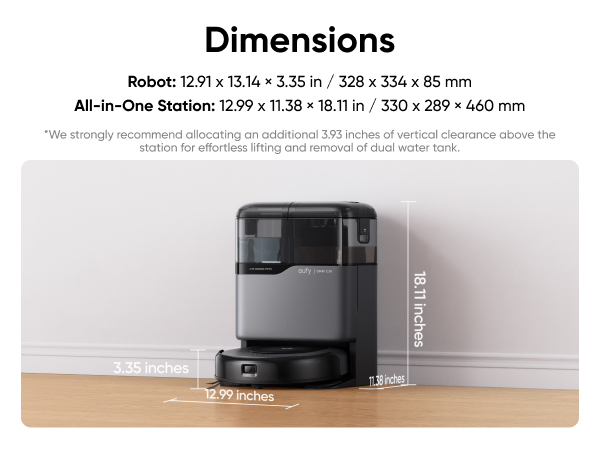
- 3.35-inch Ultra-Slim Body: Its ultra-slim 3.35-inch design allows the C20 to reach tight spaces, like under desks and beds, ensuring thorough cleaning in hard-to-reach areas and reducing manual cleaning in low-profile furniture spaces.
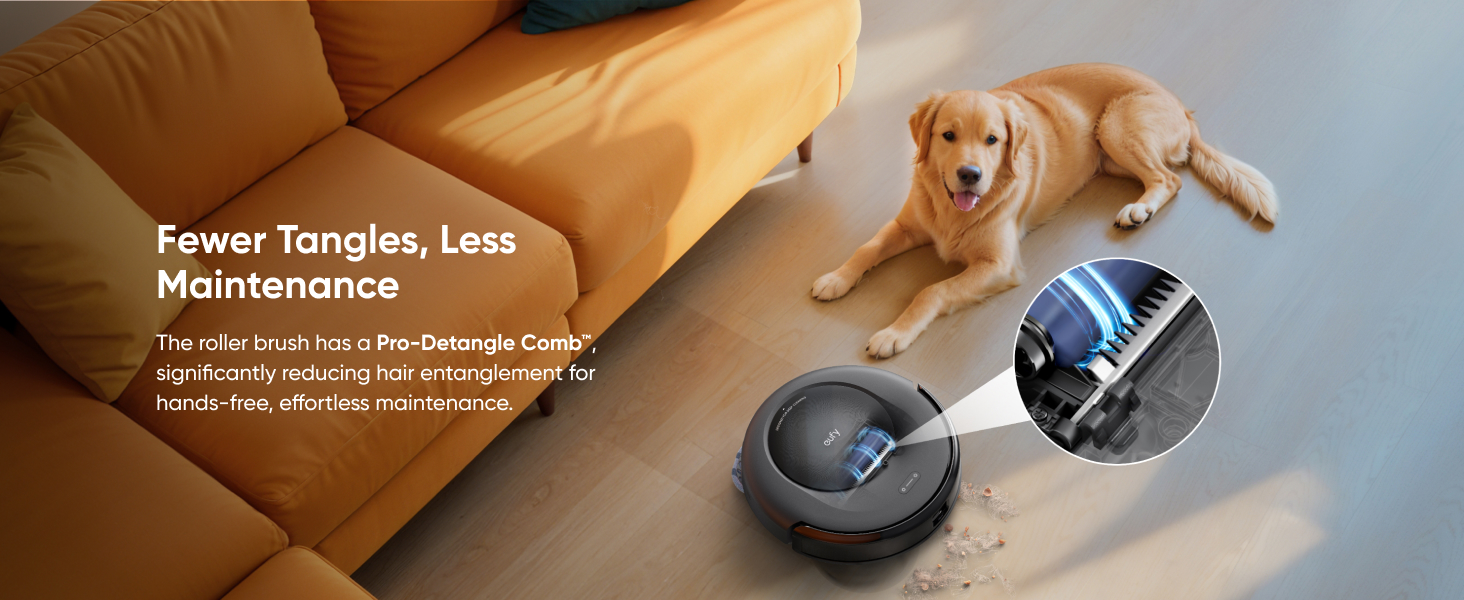
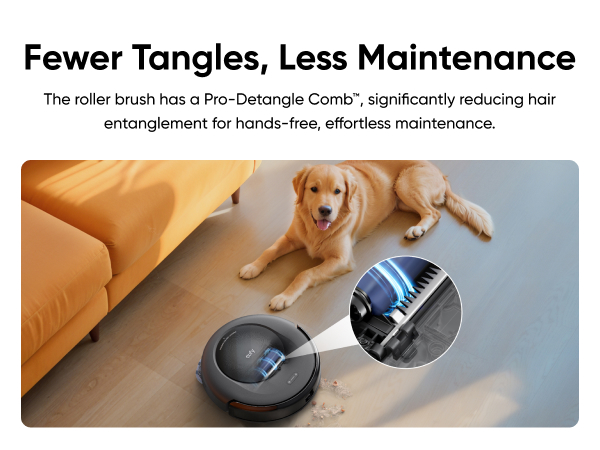
- Pro-Detangle Comb™: The roller brush rotates in reverse while the Pro-Detangle Comb™ flips down to loosen and remove tangled hair from the brush, ensuring optimal performance and reducing maintenance time.
- Voltages 110V: As voltages vary across different countries and regions, we recommend purchasing the machine version specific to your location.
 eufy Robot Vacuum Omni C20$699.99


- Fast, Free Shipping
- 30-Day Money-Back Guarantee
- Hassle-Free Warranty
- Lifetime Customer Support






Learn More about eufy Robot Vacuum Omni C20
1. What is eufy Robot Vacuum Omni C20?
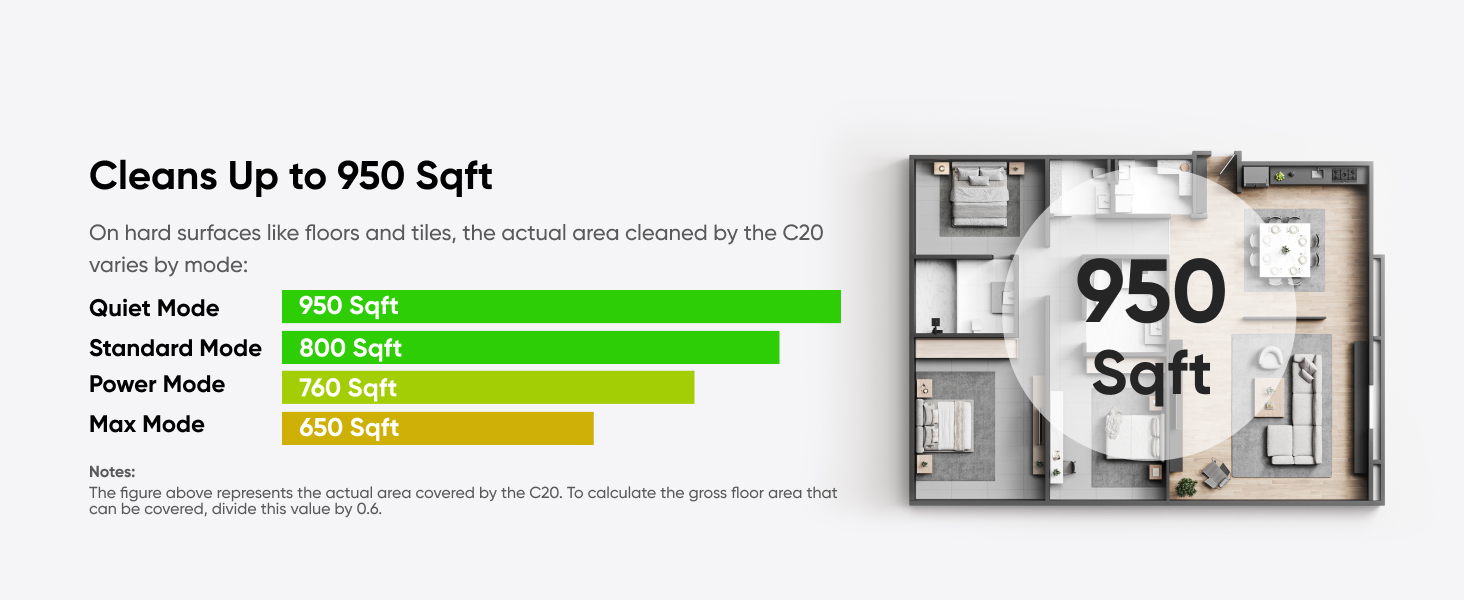
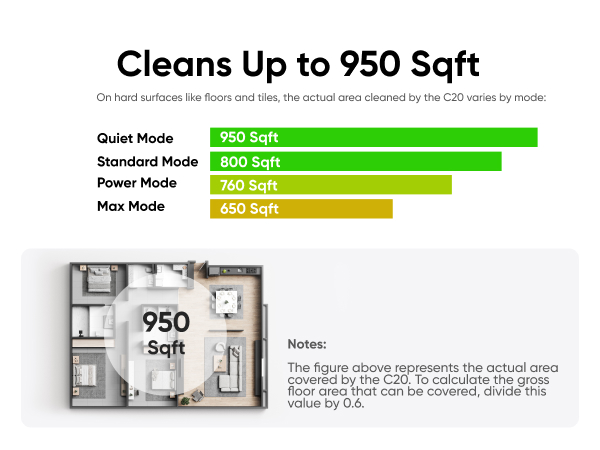
eufy Robot Vacuum Omni C20 is a robot vacuum and mop with an all-in-one station that handles the routine for you—it empties its own dustbin, washes and dries its own mop, and refills its own water, so you skip the daily emptying and rinsing. With 7,000 Pa suction, it cleans up to 950 sq ft and lifts pet hair and dirty paw prints from hard floors or carpets. Its 3.35-inch ultra-slim body glides under sofas and beds. It's built for busy homes with pets and kids.
1. Great for
Pet hair & busy households — 7,000 Pa suction powers through fur and crumbs, hands-free.
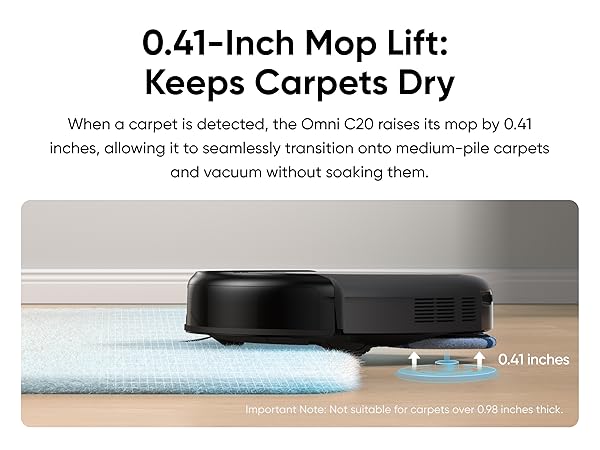
Hard floors & medium-pile carpets— the mop auto-lifts 0.41 inches to keep carpets dry (not for carpets over 0.98 inches thick).
Homes with low furniture & tight gaps — the 3.35-inch body reaches under beds and sofas, cleaning spaces as low as 3.54 inches.
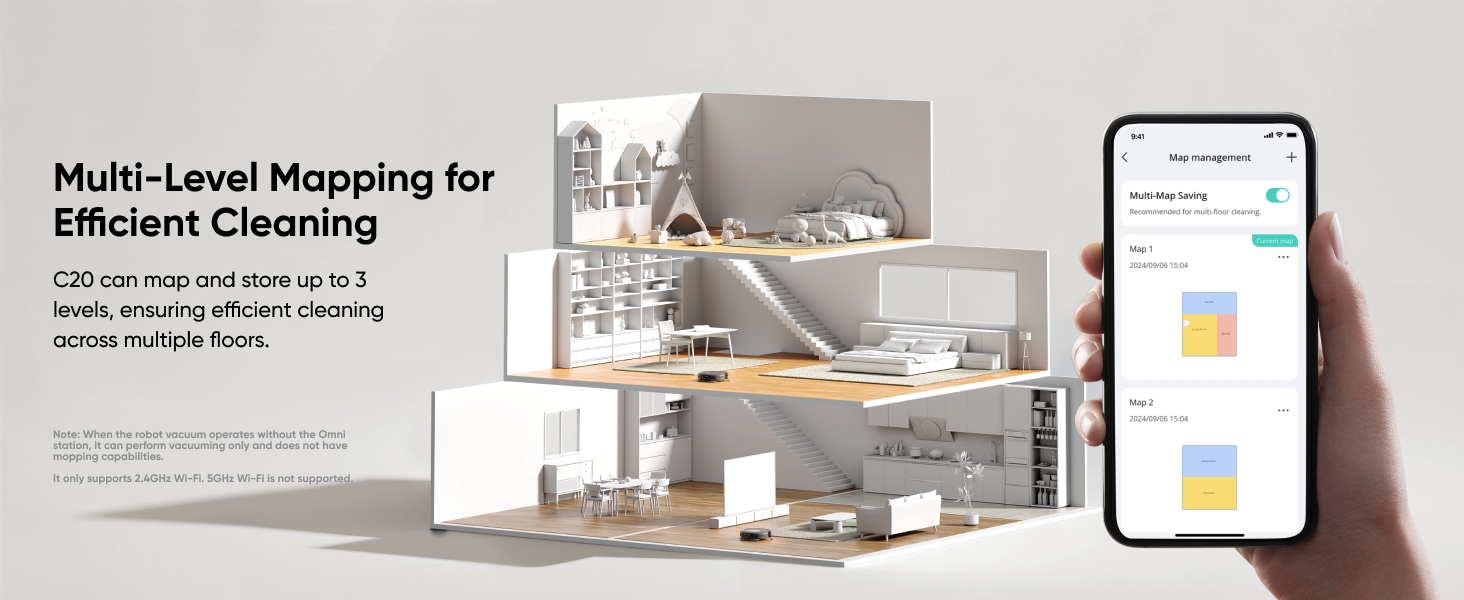
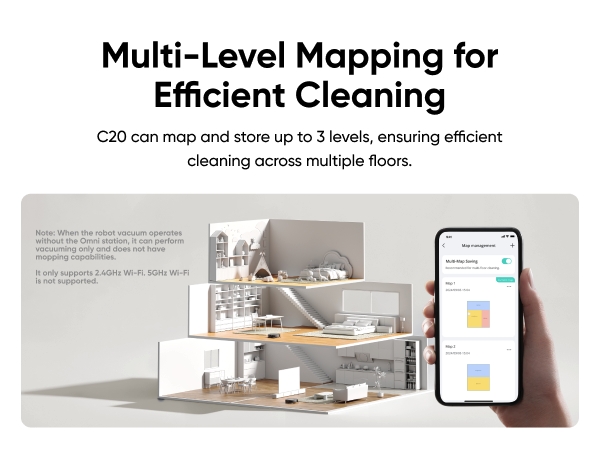
Multi-level homes — maps and stores up to 3 floors for automatic floor recognition.
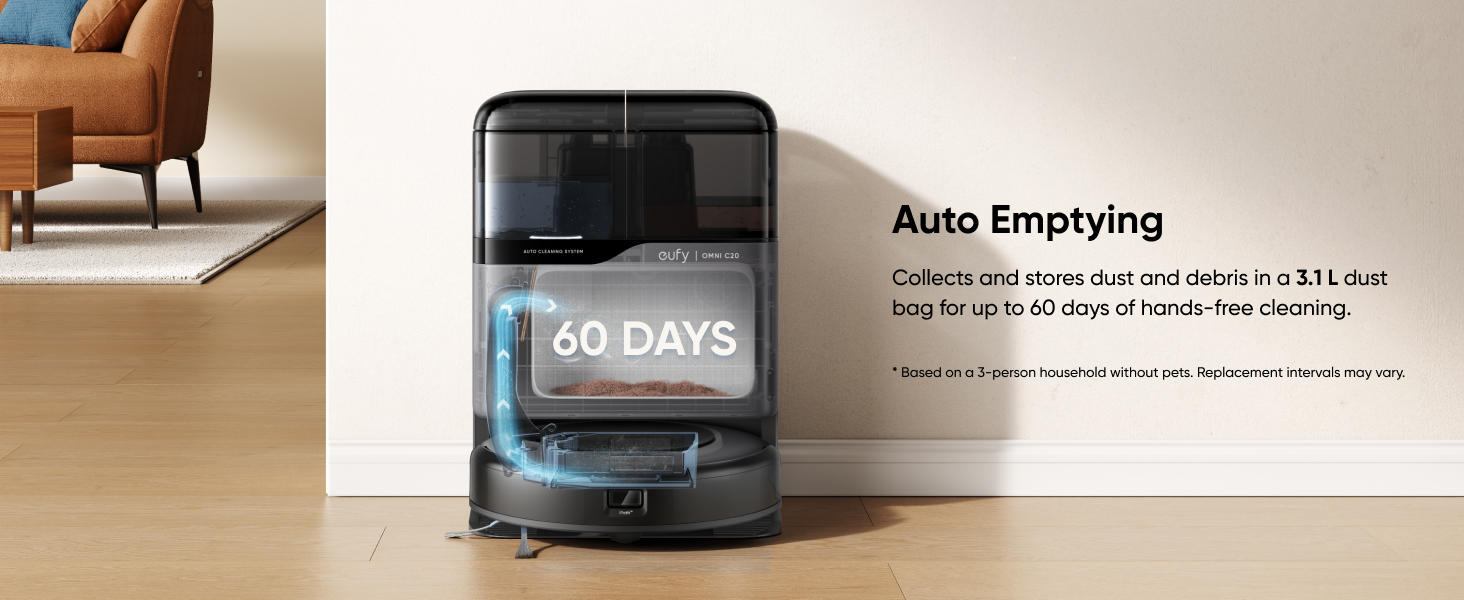
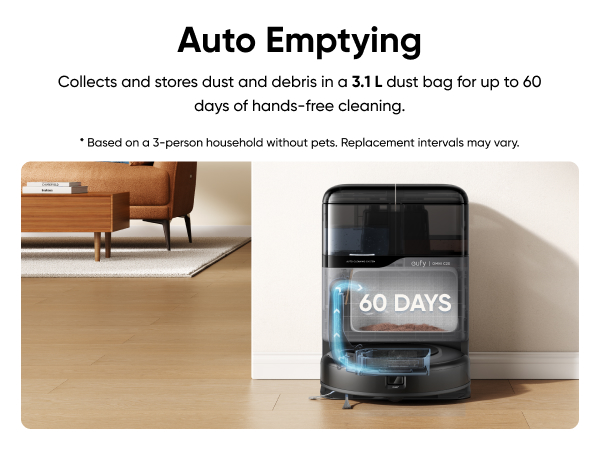
Anyone who wants Hands-free daily cleaning — the station auto-empties, washes, and dries the mop; a 3.1L bag lasts up to 60 days.
2. Not ideal for
Deep-pile or shag carpets — mop lift keeps carpets up to 0.98 inches dry; thicker carpets are better served by a dedicated vacuum.
Homes using only 5GHz Wi-Fi — the C20 connects via 2.4GHz Wi-Fi; 5GHz is not supported.
1. Can the C20 handle pet hair and carpets?
Yes. With 7,000 Pa suction and a Pro-Detangle Comb™ that reduces hair tangling, the C20 powers through pet hair and crumbs on hard floors or carpets. On carpet, it lifts its mop 0.41 inches to keep the surface dry.
Note: it's rated for short-to-medium hair pets and carpets up to 0.98 inches thick.
2. Do I need to empty the dustbin or wash the mop every day?
No. The C20's all-in-one station auto-empties the dustbin into a 3.1L bag and washes and dries the mop on its own. The 3.1L bag lasts up to 60 days in a home without pets (about 45 days with one pet, 30 days with two). Your only regular task is refilling the clean-water tank when it runs low.
3. What size home does the C20 cover?
The C20 covers up to 950 sq ft and maps up to 3 floors. If the battery runs low mid-clean, it returns to its station to recharge, then resumes where it left off.
4. Does the C20 detect stairs?
Yes, the C20 omni is equipped with stair detection capabilities. It is fitted with three infrared (IR) cliff detection sensors, which function as anti-fall sensors. These sensors are deployed on the robot's bottom to detect significant height differences (such as stair edges) in the forward path, triggering an immediate anti-fall mechanism to avoid falling off.
5. How long does the C20 battery last?
On wooden floors with BoostIQ off, the C20 runs about 101 minutes on Standard mode, or 121 minutes on Quiet mode. When the battery runs low, it returns to its station to recharge and resumes cleaning where it left off.
6. How does the C20 perform in carpet cleaning?
The C20 cleans thin carpets well, but it's important to turn on the Boost IQ mode in the app (it will auto-increase suctiononce it detects the carpet) or use the Max suction to ensure cleaning effectiveness. Note thatfor thick carpets, the C20 may not clean effectively and maybeget stuck, so it's recommended to set up no-go zones.
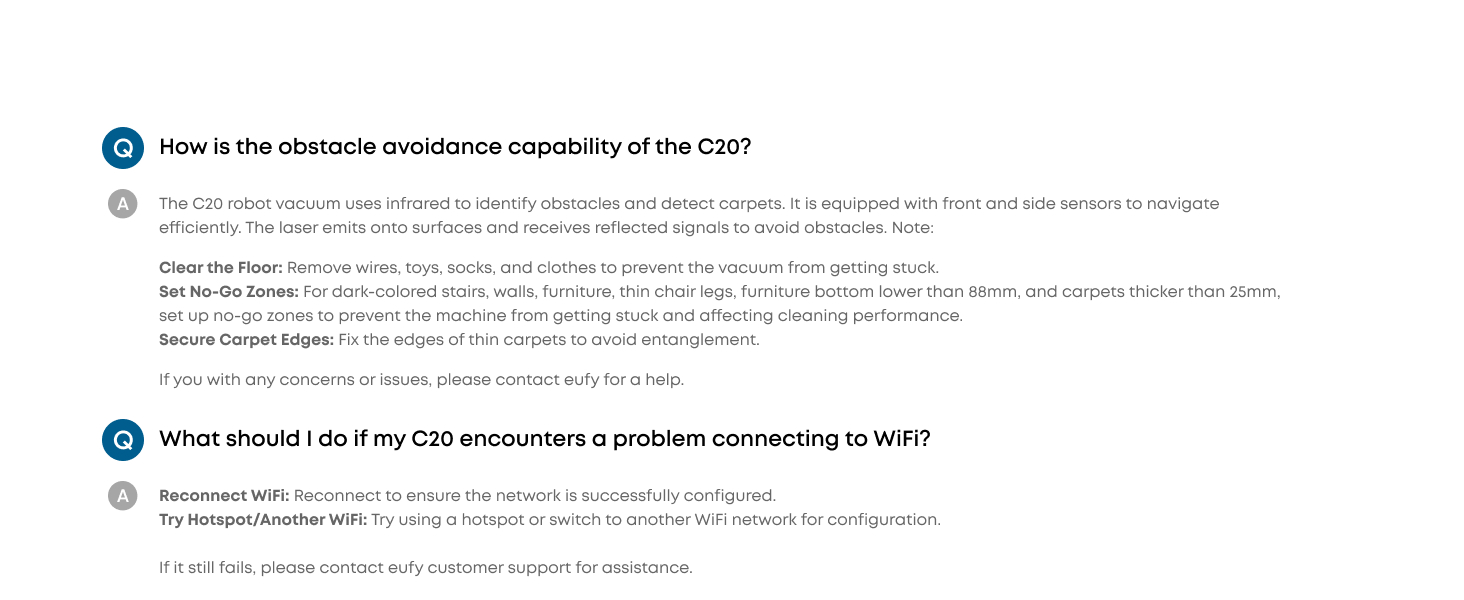
7. How is the obstacle avoidance capability of the C20?
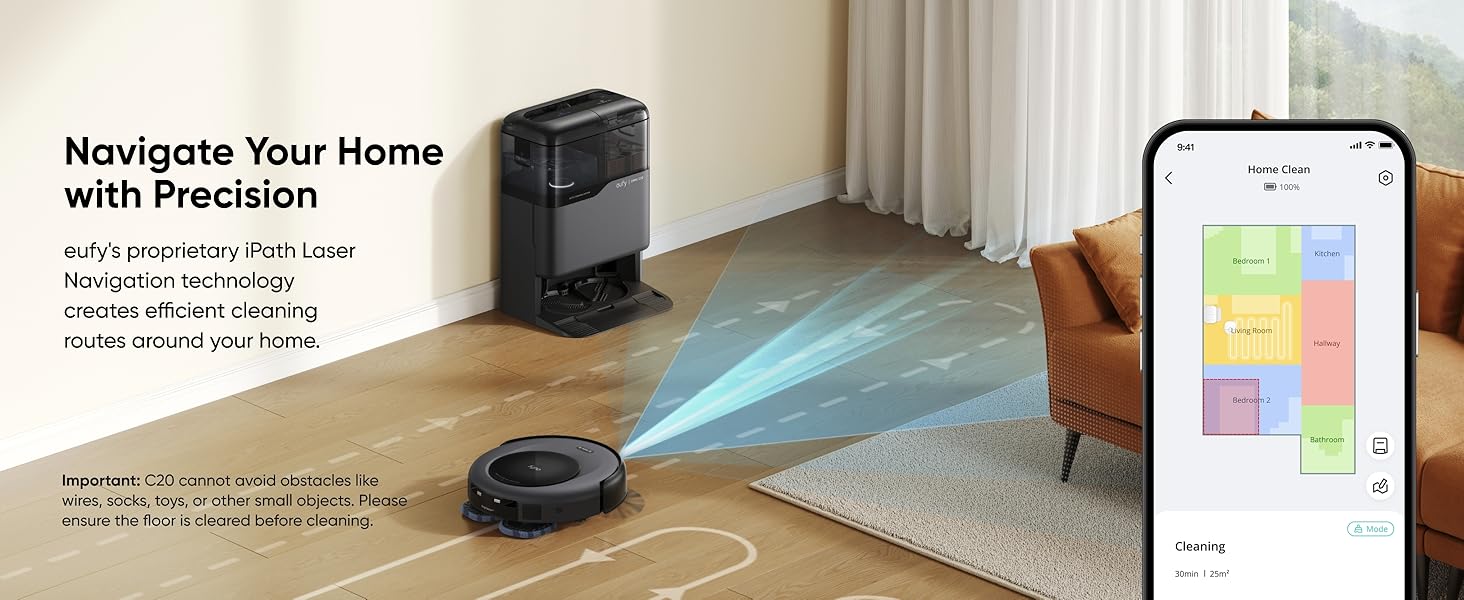
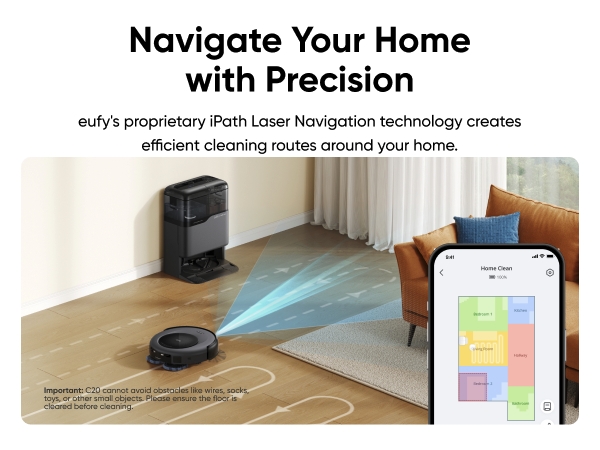
The robot vacuum Omni C20 uses infrared to identify obstacles andd detect carpets. It is equipped with front and side sensors to navigate efficiently. The laser emits onto surfaces and receives reflecteed signals to avoid obstacles.
Note:
Clear the Floor: Remove wires, toys, socks, and clothes to prevent the vacuum from getting stuck.
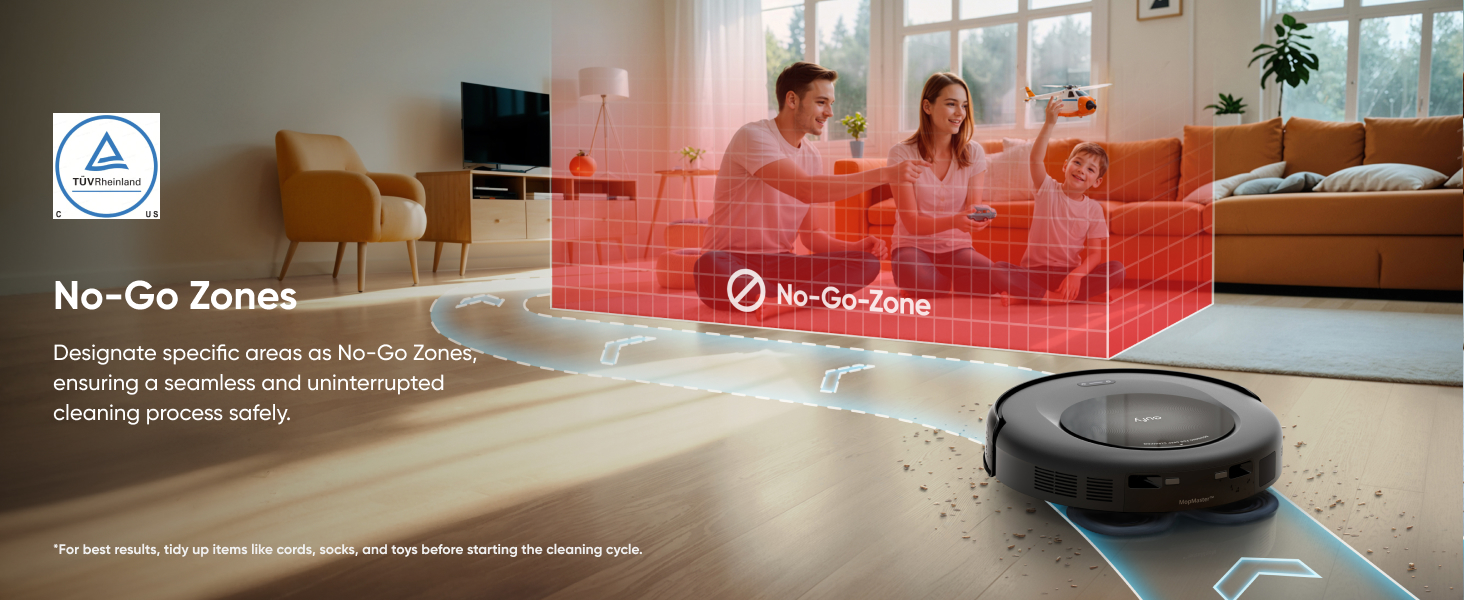
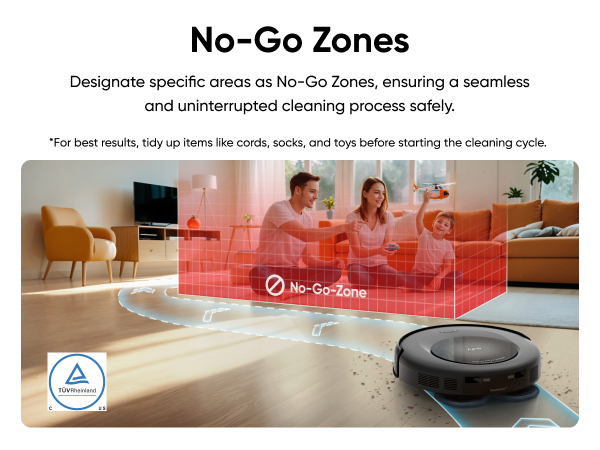
Set No-Go Zones: For dark-colored stairs, walls, furniture, thin chair legs, furniture bottom lower than 88mm, and carpets thicker than 25mm,
set up no-go zones to prevent the machine from getting stuc!k and affecting cleaning performance.
Secure Carpet Edges: Fix the edges of thin carpets to avoid entanglement.
If you with any concerns or issues, please contact eufyfor a help.
8. How do I properly dry my Omni C20 mop pads?
Default Drying Time: The drying time is set to 4 hours, which is usually enough.
Humid Conditions: In high-humidity environments, extend drying time to 5-6 hours via the eufy Clean app to ensure proper drying.
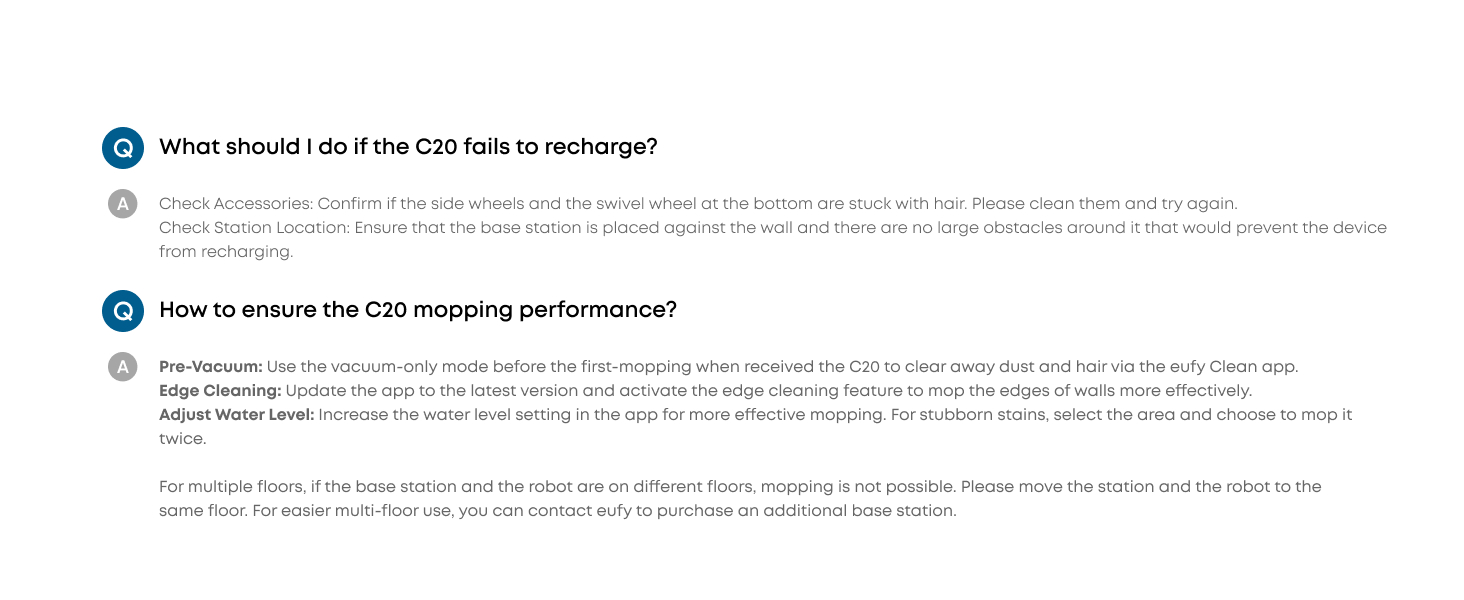
9. How can I enhance Omni C20 mopping performance?
Vacuum First: Use the vacuum-only mode before mopping to remove dust and hair via the eufy Clean app.
Increase Water Level: To deep clean, adjust the water level in the app and select double mopping for stubborn stains.
Cleaning Solution: Use only the eufy cleaning solution, mixed at a 1:200 ratio with water.
Replace Mop Cloths: Change the mop cloths every three months for optimal results.
10. What should I do before using Omni C20 to ensure clean performance?
Suction Adjustment: Use Turbo or Max suction mode for better cleaning for homes with pets or children. In the app, adjust the empty frequency to High.
Double Clean Areas: Use the app to clean areas with heavy debris or hair twice.
Accessories Maintenance: Regularly clean and replace robot accessories for optimal performance.
Firmware Upgrade: Ensure the robot's firmware is updated via the eufy Clean app.
11. How can I ensure the Omni C20 can clean my house in a single session?
Clear the Area: Remove small objects like cords, socks, toys, and clothes to avoid the robot getting stuck.
Set No-Go Zones: Create no-go zones for thick carpets or areas where the robot may get trapped.
Manage Carpet Edges: Flatten or secure curled carpet edges to help the robot navigate smoothly.
Enable Auto-Return: Activate the auto-return cleaning function for larger homes via the app.
Firmware Upgrade: Regularly update the firmware via the app for better performance.
12. What should I do if my C20 encounters a problem connecting to WiFi?
Reconnect WiFi: Reconnect to ensure the network issuccessfully configured.
Try Hotspot/Another WiFi: Try using a hotspot or switch to another WiFi network for configuration
If it still fails, please contact eufy customer support for assistance.
13. How do I ensure efficient recharging of the Omni C20 after cleaning?
Power Supply: Ensure the Omni station is correctly connected to a power source and check for the white light.
Station Placement: Place the Omni station on a flat, hard surface (not a carpet) near a wall and free of obstacles.
Pin Maintenance: Regularly clean the charging pins on the robot and station. If pins don't rebound normally, contact eufy for a replacement.
Set No-Go Zones: The app allows you to create no-go zones for thick carpets or areas where the robot may get stuck.
Carpet Edge Management: Flatten or secure carpet edges to prevent navigation issues.
14. What should I do if the C20 fails to recharge?
Check Accessories: Confirm if the side wheels and theswivel wheel at the bottom are stuck with hair. Pleaseclean them and try again.
Check Station Location: Ensure that the base station isplaced against the wall and there are no large obstaecles around it that would prevent the device from recharging
15. How can I obtain the manual and other materials for my Omni C20?
All product materials are available in digital format to support environmental sustainability and prevent lost paper manuals. After receiving your Omni C20, scan the QR code on the packaging to access and download the manual, eufy Clean app, how-to videos, accessories, and more. You can save a photo of the QR code or bookmark the webpage link for future reference.
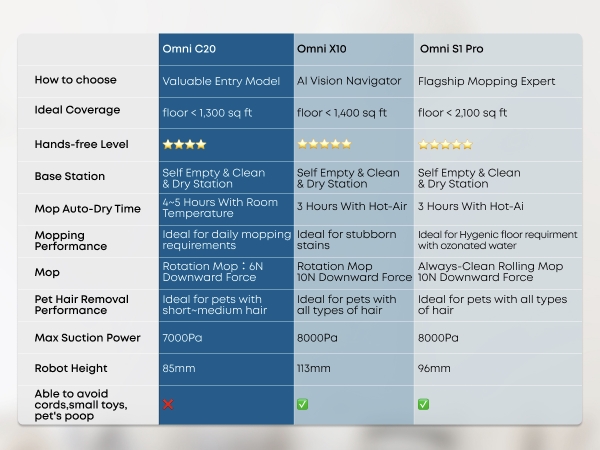
Products Comparison


How To Video

