Video Smart Lock E330


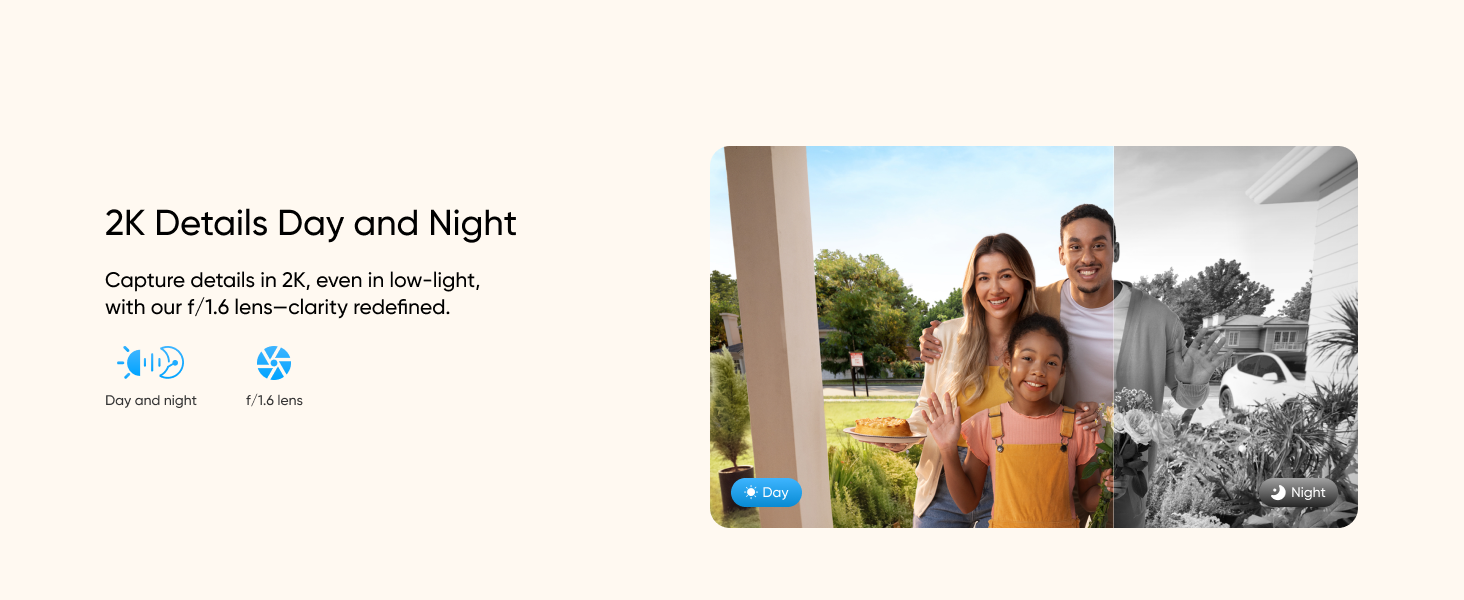
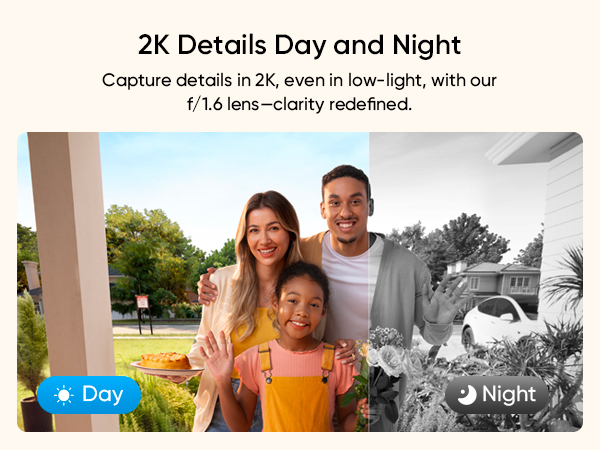
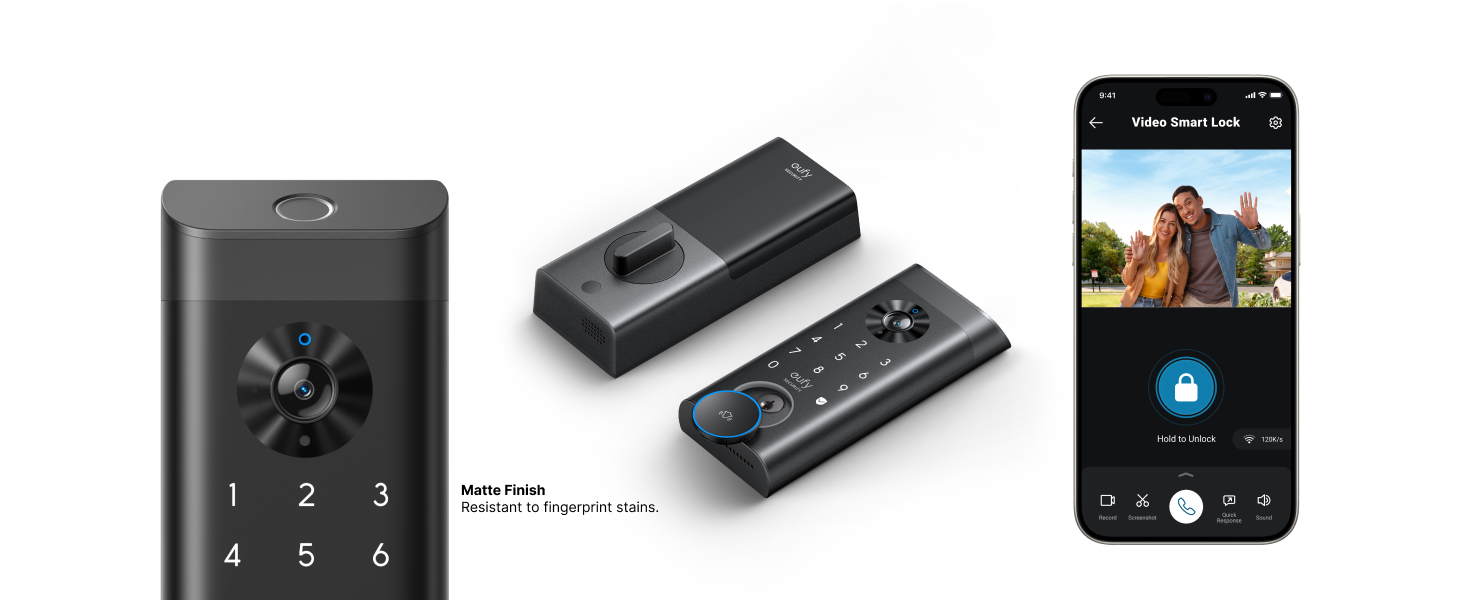
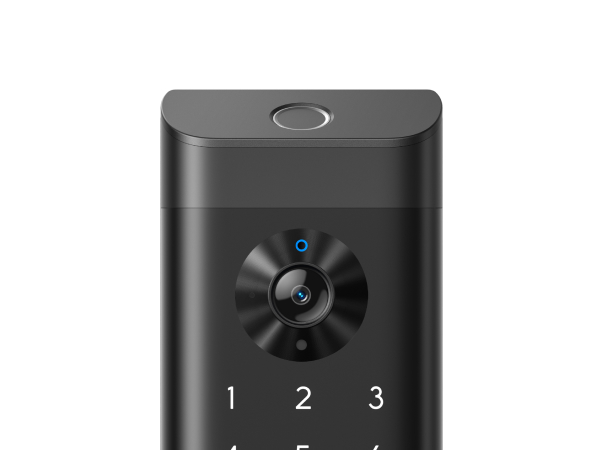
- Lock, Doorbell and 2K Camera in One: A fingerprint smart lock, a 2K camera and a video doorbell work together in one deadbolt device on your door. One front-door setup handles both everyday entry and visitors, with no separate video doorbell to mount.
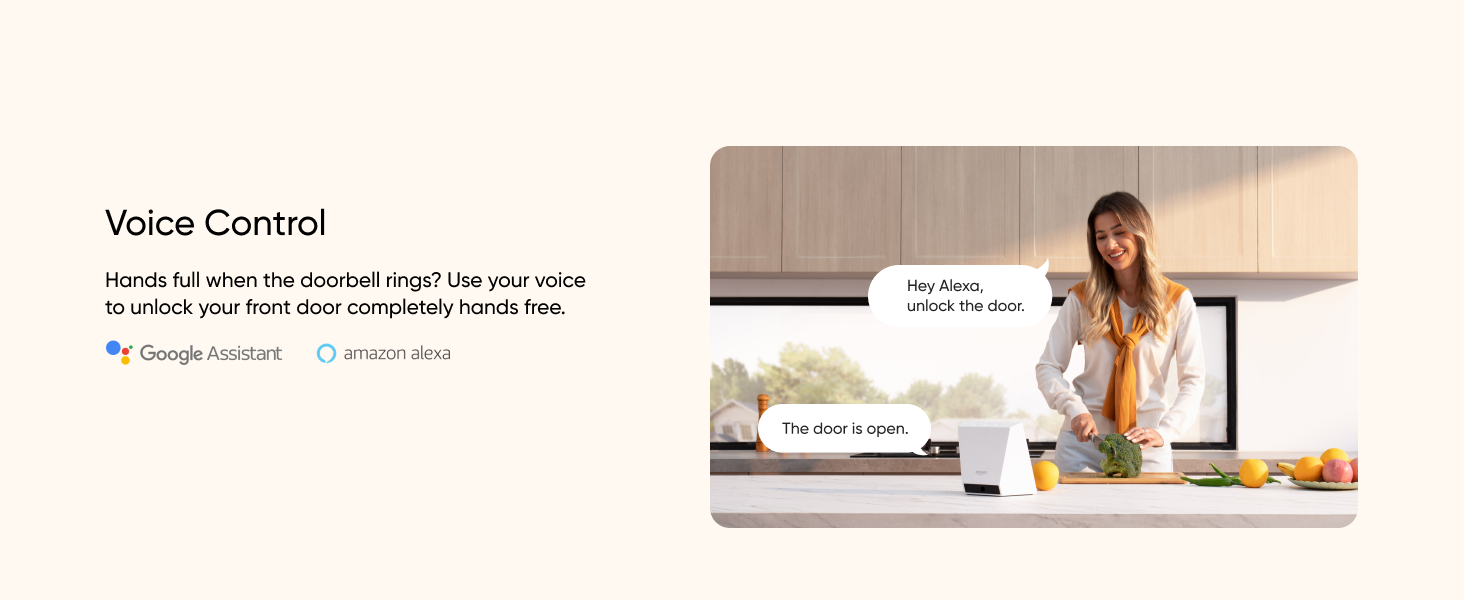
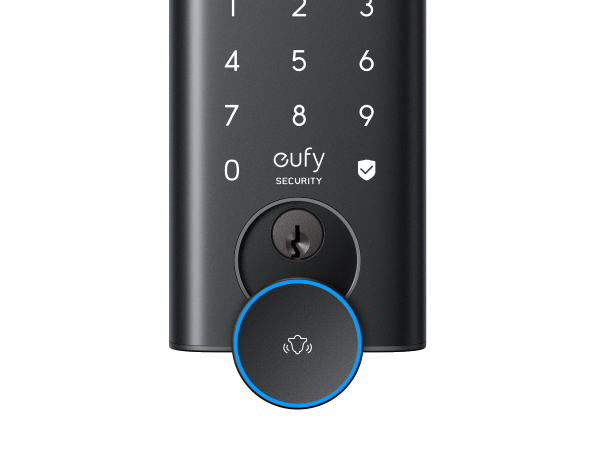
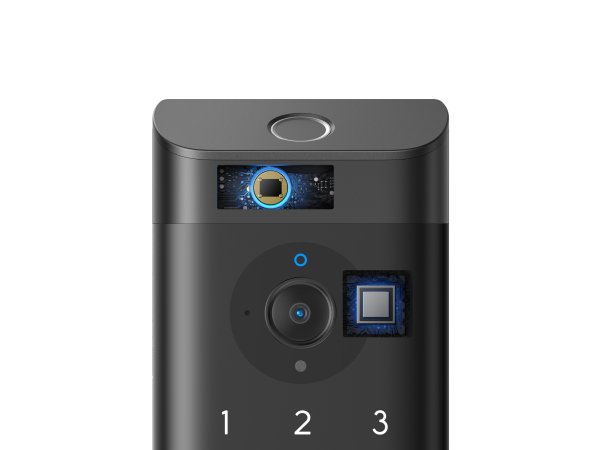
- Fingerprint, Passcode, App, Voice or Key: Unlock with a registered fingerprint, a passcode, the app, Alexa or Google Assistant, or one of the 2 included keys. Head out for a run without your keys or open the door with your hands full. Everyone at home can use the way that suits them.
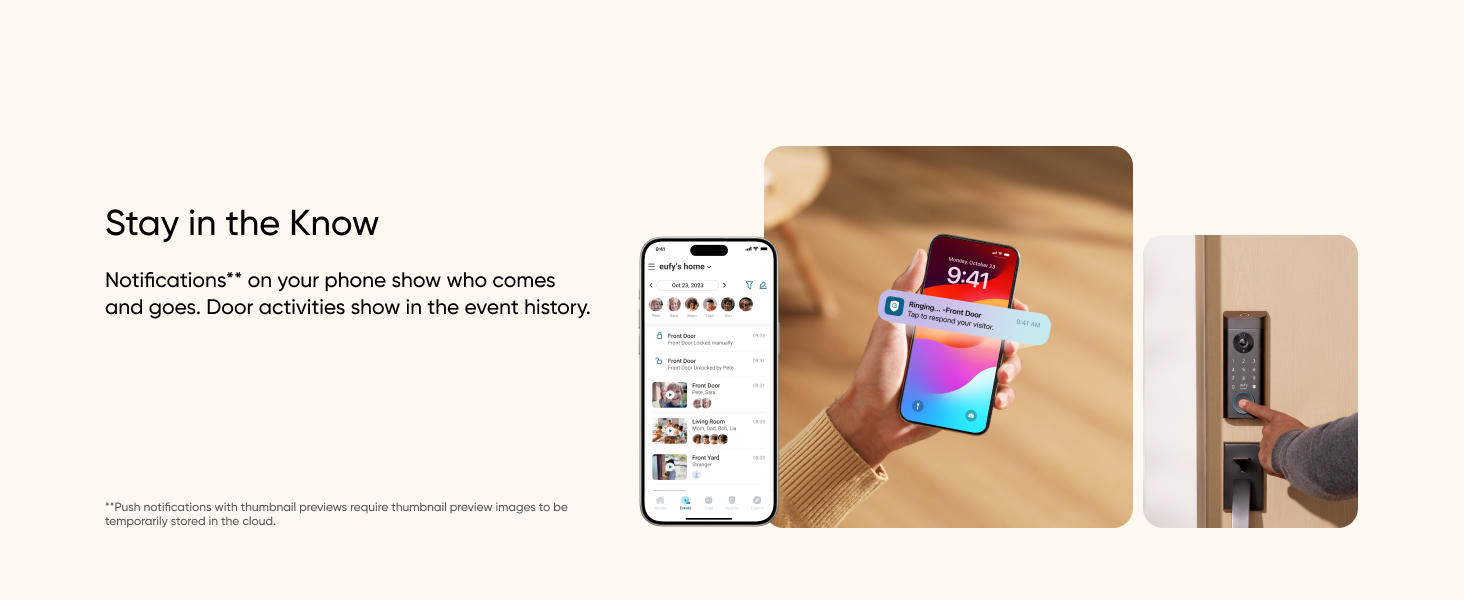
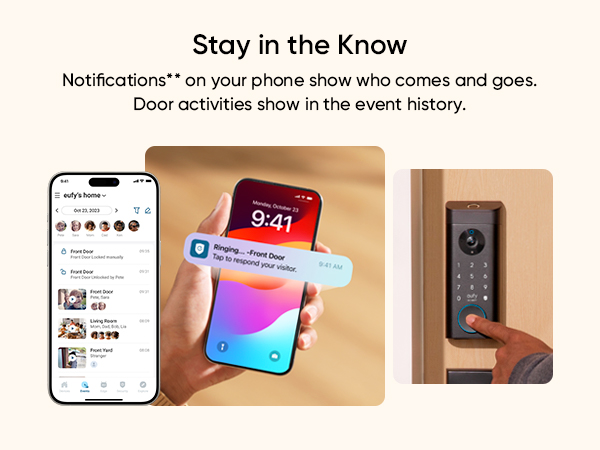
- See and Answer Your Door from Anywhere: With the lock online, get notified when someone is at the door, watch live, talk to them and lock or unlock from the app. Let a family member in or answer a courier while you're at work.
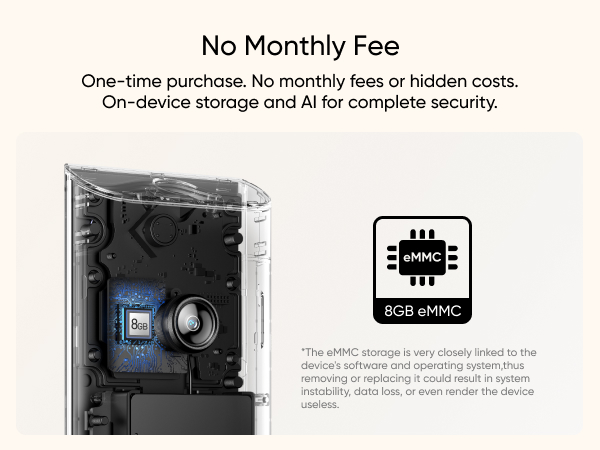
- Built-In Storage, No Monthly Fee: Event videos are saved to 8GB of storage built into the lock, so local recording needs no microSD card and no monthly recording fee.
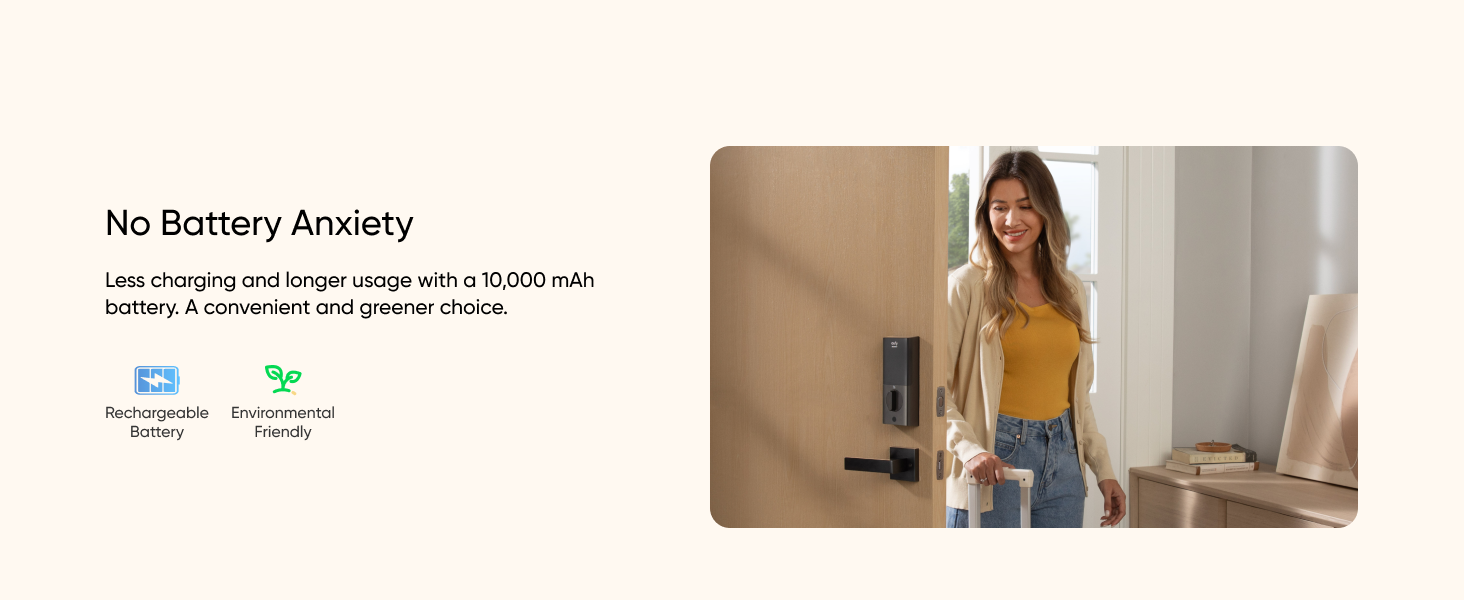
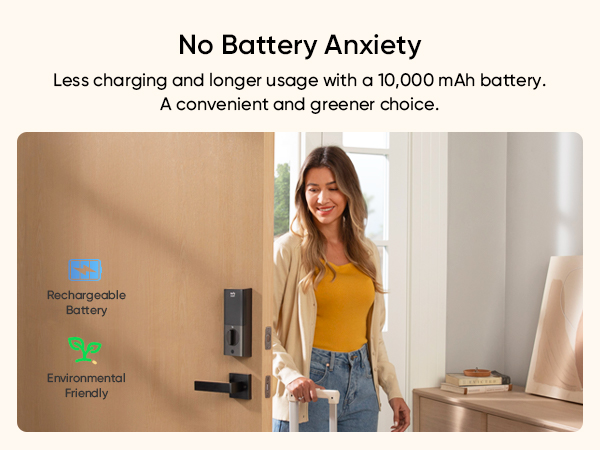
- One Rechargeable Battery Powers It All: A 10,000mAh rechargeable battery runs the lock, camera and doorbell, so there are no disposable batteries to keep buying. When it runs low, recharge it with a USB-C cable.
 Video Smart Lock E330$299.99


- Fast, Free Shipping
- 30-Day Money-Back Guarantee
- Hassle-Free Warranty
- Lifetime Customer Support
Quick Intro
Learn More















Learn More about eufy SmartTrack Link
1. What Is the eufy Video Smart Lock E330?
The eufy Video Smart Lock E330 combines a fingerprint smart lock, a 2K camera, and a video doorbell in one deadbolt device. It connects directly to your home Wi-Fi without a hub and stores recorded videos in 8GB of built-in local storage. Powered by a 10,000mAh rechargeable battery, it typically runs for about 3 months on a single charge. You can unlock the door using your fingerprint, passcode, the eufy Security app, a compatible voice assistant, or a physical key. It also supports countdown auto-lock and lets you view visitors and manage door access remotely through the app. For additional local storage, you can connect it to HomeBase 3 (sold separately).
1. Great for
- Households with Different Schedules: Give each person their own passcode or fingerprint, and set access schedules for people who only need to come in at certain times, such as a dog walker or cleaner.
- Households with Different Entry Preferences: Family members who find fingerprints harder to use, such as young children or older adults, can use a passcode instead.
- Front Doors Without Doorbell Wiring: The lock, camera and doorbell all run on the rechargeable battery, so you get a video doorbell without running wires to the door.
- Entrances Neighbors and Passersby Can See: Scramble Passcode lets you add extra digits before or after your real code, making it harder for someone nearby to spot it.
2. Not Ideal for
- Requiring Closed-Door Sensing: Auto Lock locks after the delay you set; it doesn't detect whether the door is open or closed.
- Doors with a Storm Door: An outer storm door can block the camera, so the lock isn't compatible with storm doors.
- Apple Home, Matter or IFTTT Setups: The lock isn't compatible with these platforms.
1. Where are videos stored, and is there a monthly fee?
Event videos are saved to the lock's 8GB of built-in storage, with no monthly fee to record. To add more local storage, connect the lock to HomeBase 3 (sold separately), which can be expanded up to 16 TB (drives not included). If you choose cloud-based features such as Cloud Backup or push notifications with thumbnail previews, the related videos or thumbnails are sent to the cloud as needed.
2. How does Auto Lock work?
After the door is unlocked, Auto Lock relocks it after a delay you choose in the app, from 5 seconds to 3 minutes. Because it doesn't detect whether the door is open or closed, choose a delay that gives you enough time to get through the door.
3. How do I charge the battery, and what if it runs out?
Remove the rechargeable battery from the inside of the lock and charge it with a USB-C cable (not included). A 5V/2A adapter is recommended, and a full charge can take 6 to 8 hours. Recharge when you get a low-battery alert. If the battery is fully drained, use a physical key, or connect a portable charger to the USB-C port on the outside of the lock for an emergency unlock. That port supplies emergency power only; it doesn't recharge the battery.
4. How long does the E330 battery last?
In typical use, a full charge lasts about 3 months. How long it lasts in your home depends on how the lock is used: frequent locking and unlocking, more motion-triggered recordings and a weak Wi-Fi signal at the door can all mean charging more often.
5. What still works if my Wi-Fi goes down?
Fingerprints, passcodes and the included keys still work at the door without an internet connection. Live view, notifications and remote lock and unlock need the lock to be online.
6. How do I give family and guests access?
7. When does the camera record?
With the camera and motion detection turned on, infrared and radar sensors work with AI human detection to spot activity at your door, and the lock records motion-triggered clips and sends the notifications you've enabled. Recording depends on your settings and detection conditions, so not every closely spaced event may be recorded. You can watch live in the app whenever the lock is online.
8. Will it fit my door?
Check your door before you buy. The lock fits standard entry doors 35–55 mm (1⅜–2¹¹⁄₆₄ in) thick, with a 38 or 54 mm (1½ or 2⅛ in) cross bore, a 60 or 70 mm (2⅜ or 2¾ in) backset and a 25.4 mm (1 in) edge hole. The strike hole in the door frame should be at least 25.4 mm (1 in) deep. The installation guide shows how to check your existing holes and deadbolt faceplate before fitting.
9. Can I use Alexa or Google Assistant?
Yes. You can lock and unlock with Alexa or Google Assistant. Google Assistant asks you to set a PIN for voice unlock.
10. What warranty does it come with?
The eufy Video Smart Lock E330 comes with a 12-month warranty.
Products Comparison


**If you choose to use cloud-based features such as Cloud Backup or push notifications with thumbnail previews, videos or thumbnail previews will be sent to the cloud as needed to provide your selected features.