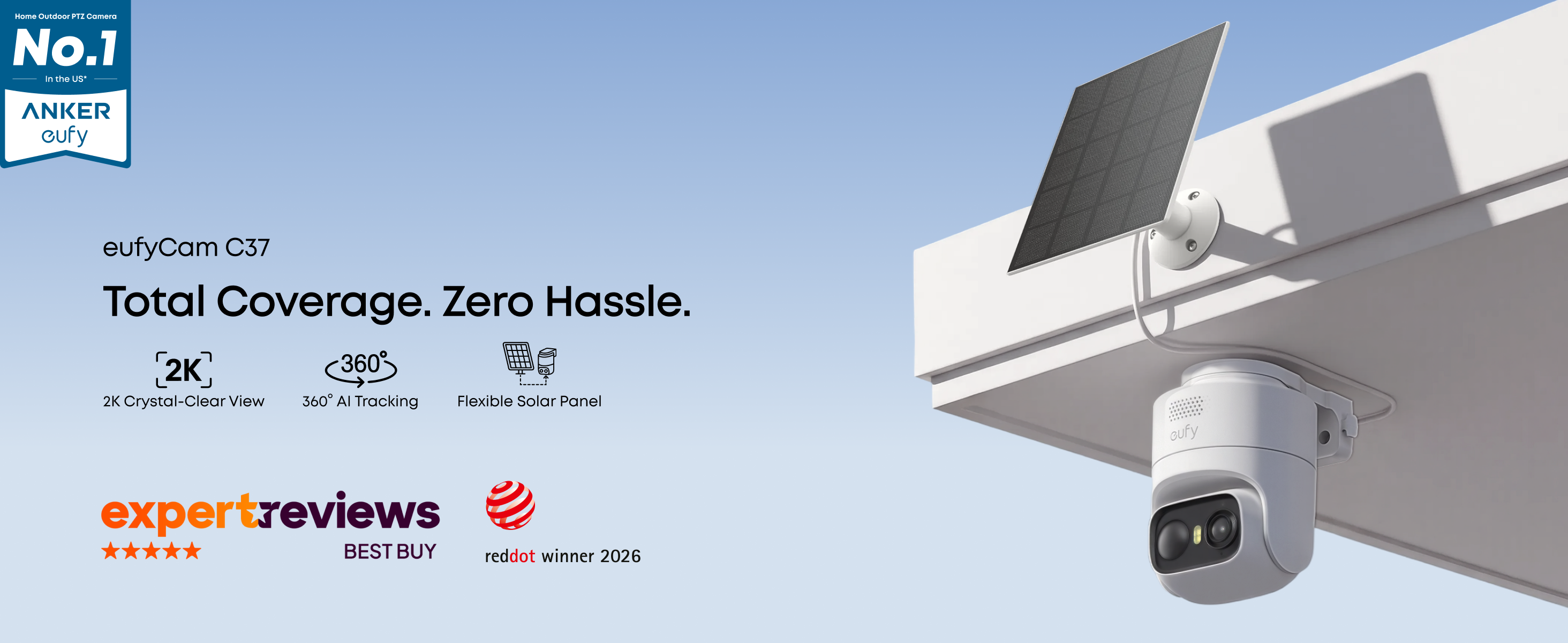
eufyCam C37

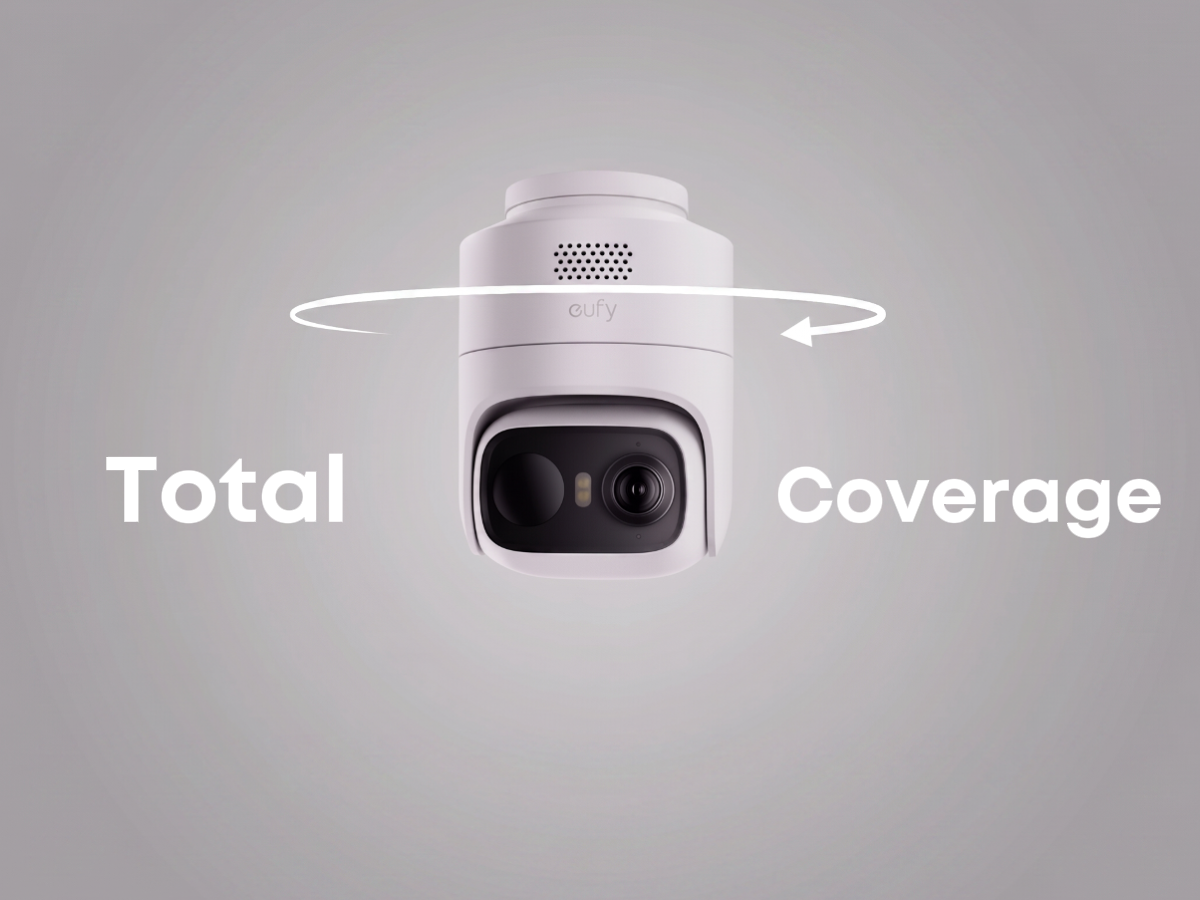
- 𝟑𝟔𝟎° 𝐀𝐈 𝐓𝐫𝐚𝐜𝐤𝐢𝐧𝐠 𝐰𝐢𝐭𝐡 𝐏𝐚𝐧 𝐚𝐧𝐝 𝐓𝐢𝐥𝐭: Deliver 360° property coverage and eliminate blind spots with a single camera. Auto-tracking keeps subjects perfectly centered, providing ultimate home protection. NOTE: For smooth operation of your eufyCam C37, please update your eufy App to version 6.0.10 or newer.
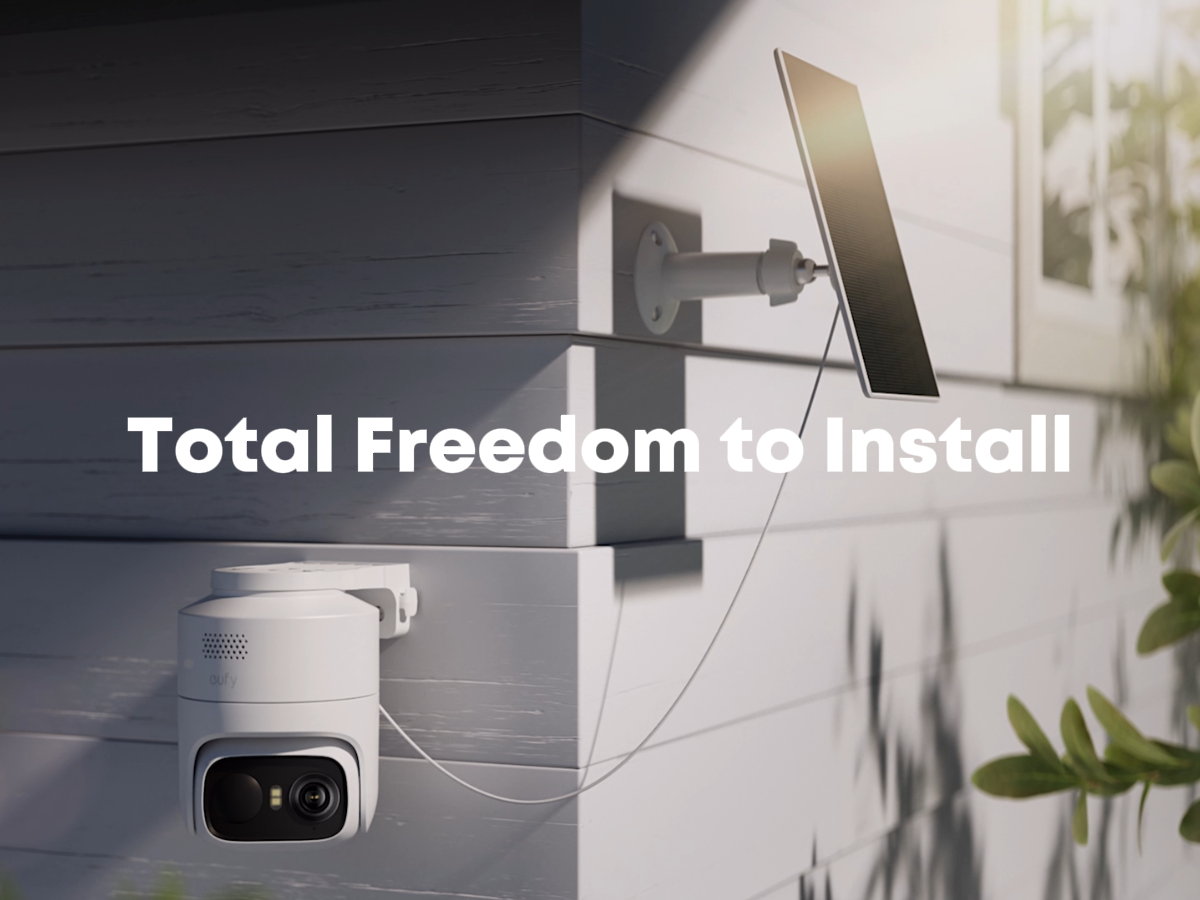
- 𝐃𝐞𝐭𝐚𝐜𝐡𝐚𝐛𝐥𝐞 𝐒𝐨𝐥𝐚𝐫 𝐏𝐚𝐧𝐞𝐥𝐬 𝐟𝐨𝐫 𝐕𝐞𝐫𝐬𝐚𝐭𝐢𝐥𝐞 𝐈𝐧𝐬𝐭𝐚𝐥𝐥𝐚𝐭𝐢𝐨𝐧: Position each 3W solar panel for optimal sunlight while pointing the cameras exactly where you need them. Never compromise between viewing angle and power. Enjoy continuous charging with zero maintenance, rain or shine.
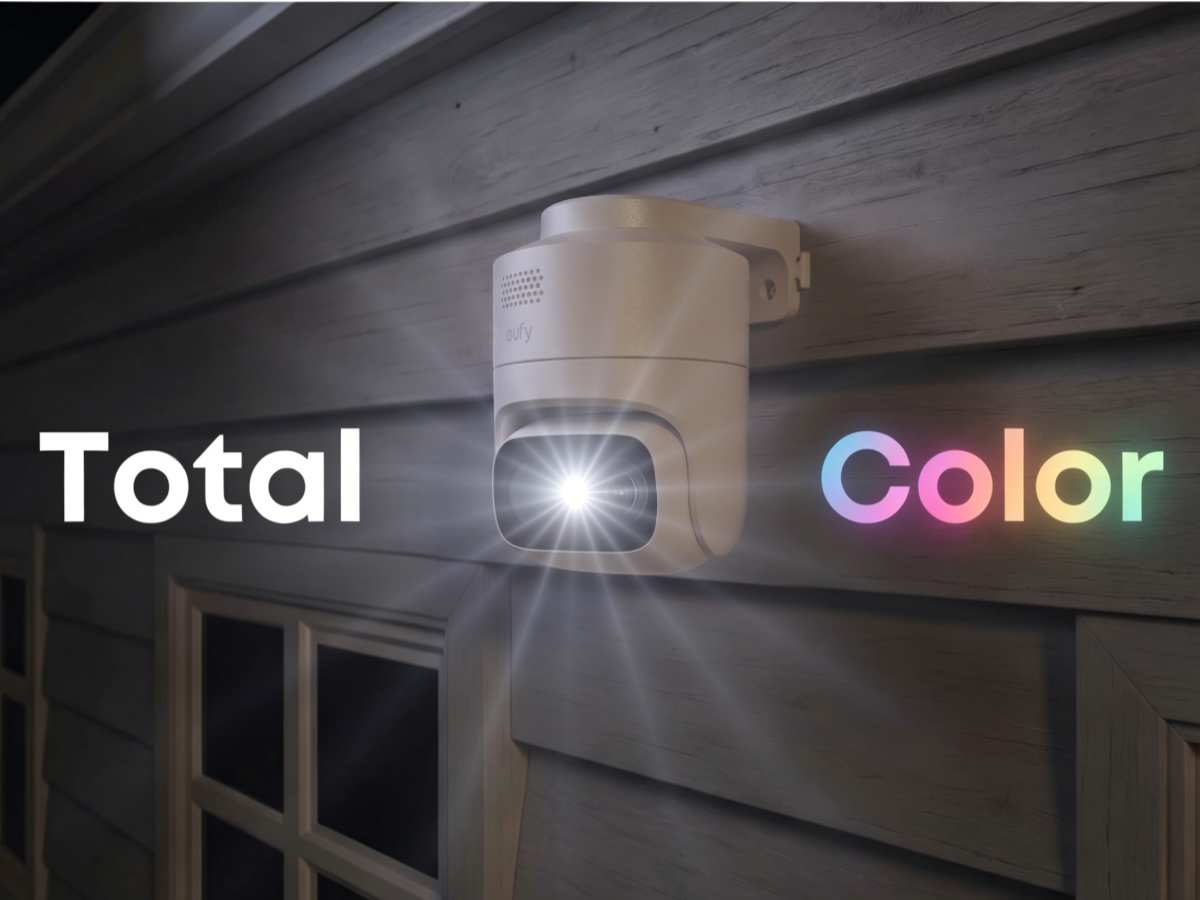
- 𝟐𝐊 𝐂𝐨𝐥𝐨𝐫 𝐍𝐢𝐠𝐡𝐭 𝐕𝐢𝐬𝐢𝐨𝐧: Capture crystal-clear details with 2K resolution, delivering 77% more pixels than standard 1080p. The built-in spotlight illuminates faces, license plates, and clothing details in vivid color, even in total darkness.
- 𝐒𝐦𝐚𝐫𝐭 𝐀𝐈 𝐃𝐞𝐭𝐞𝐜𝐭𝐢𝐨𝐧: Instantly identify people, vehicles, and pets. The camera automatically tracks their movement to deliver highly relevant alerts and crystal-clear monitoring.
- 𝐙𝐞𝐫𝐨 𝐌𝐨𝐧𝐭𝐡𝐥𝐲 𝐅𝐞𝐞𝐬: Protect your home without cloud subscriptions or hidden costs. Save up to $300 over three years and experience complete security without falling into the subscription trap
- 𝐒𝐞𝐜𝐮𝐫𝐞 𝐋𝐨𝐜𝐚𝐥 𝐒𝐭𝐨𝐫𝐚𝐠𝐞: To record video, insert a microSD card (up to 256GB, sold separately) or connect the camera to HomeBase. Bank-grade encryption keeps your footage private and entirely under your control.
- Note: Compatible with HomeBase Mini and HomeBase 3 only; not compatible with HomeBase 2 or HomeKit. C37 connection requires HomeBase 3 V3.7.8.4+ or HomeBase Mini V4.0.5.6+.
 eufyCam C37$99.99


- Fast, Free Shipping
- 30-Day Money-Back Guarantee
- Hassle-Free Warranty
- Lifetime Customer Support




Products Comparison


FAQ
How long is the battery life of the eufyCam C37?
Up to 45 days per charge, based on 75 motion events per day. Actual battery life varies by usage, recording length, and temperature. With enough sunlight, solar charging can help keep it powered continuously.
Does eufyCam C37 support 24/7 recording?
No. eufyCam C37 does not support 24/7 continuous recording, even when connected to HomeBase Mini.
Is eufyCam C37 compatible with HomeBase and HomeKit?
eufyCam C37 works with HomeBase 3 and HomeBase Mini, but not HomeBase 2. Apple Home / HomeKit is not supported.
Why does the C37's battery power still decrease even when connected to solar panels?
Solar charging may vary by sunlight, angle, and weather. If solar input is low or events are triggered too often, the battery may still decrease. In low-temperature areas, less than 2 hours of daily sunlight may not support continuous power.
How does storage work, and do I need to buy a microSD card?
eufyCam C37 has no built-in storage. For standalone use, insert a microSD card to save recordings. It supports up to 256 GB (sold separately). Please note that recording is unavailable without a microSD card.