


eufy Baby Monitor C10

 eufy Baby Monitor C10$129.99


- Fast, Free Shipping
- 30-Day Money-Back Guarantee
- Hassle-Free Warranty
- Lifetime Customer Support


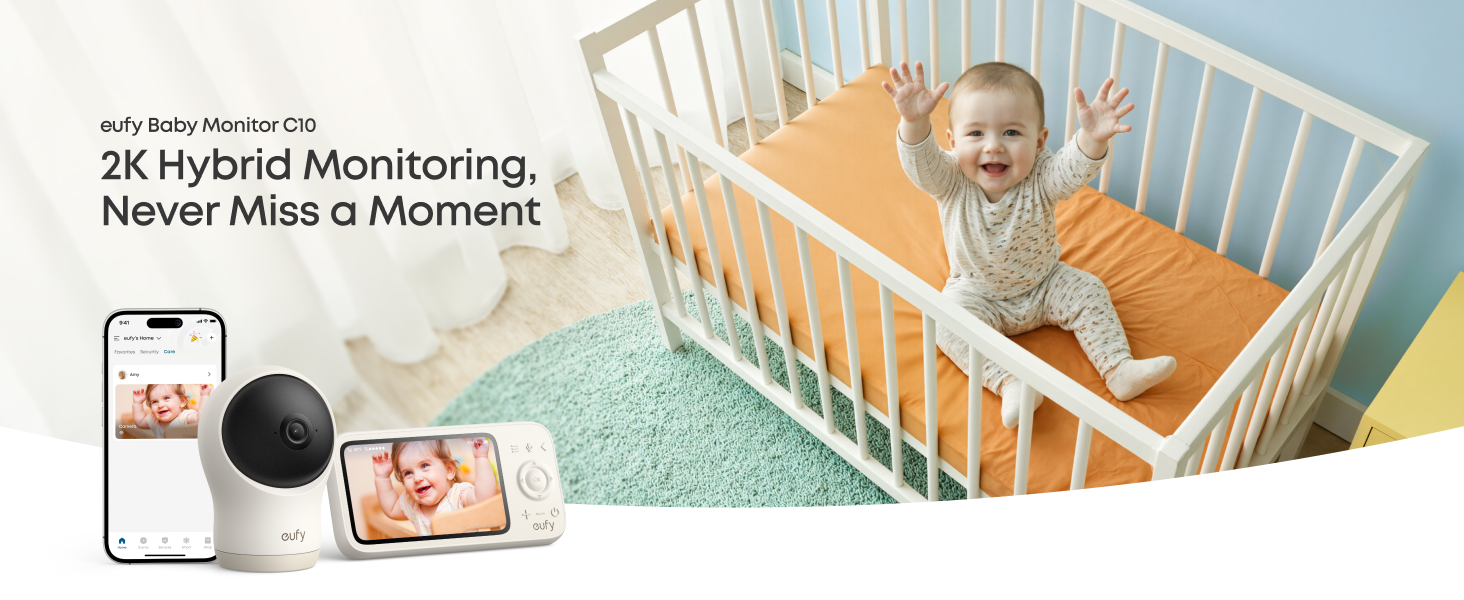
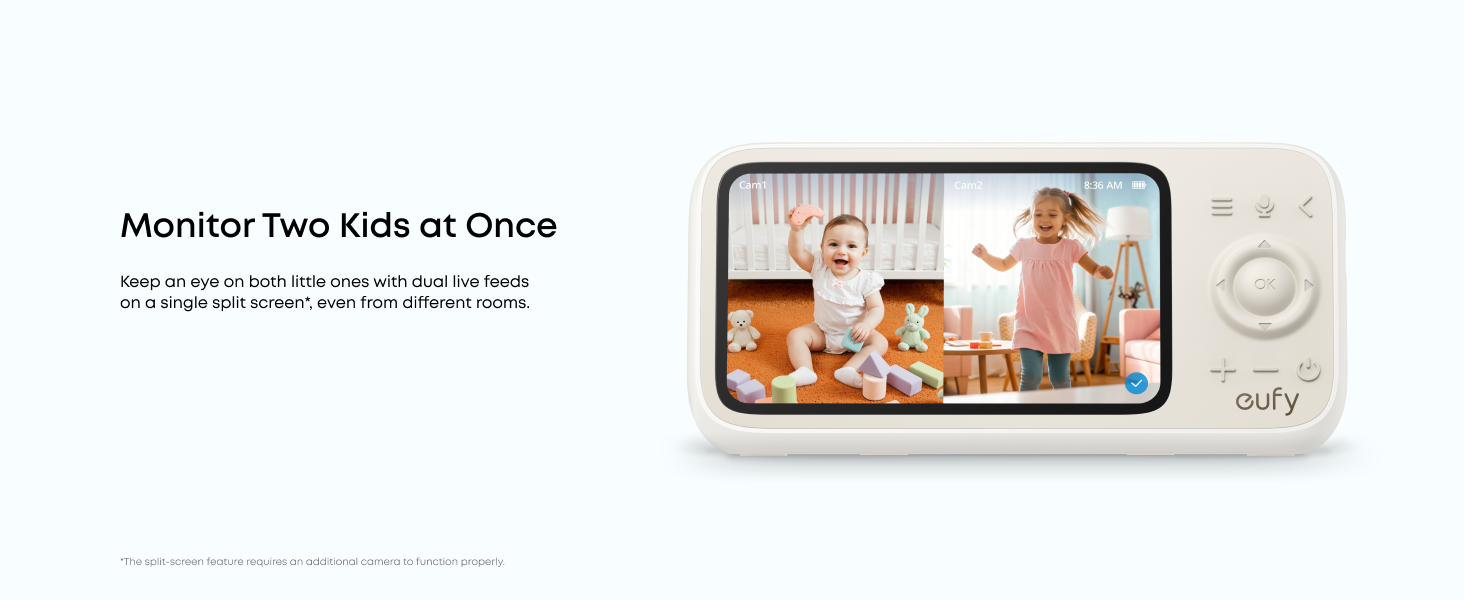
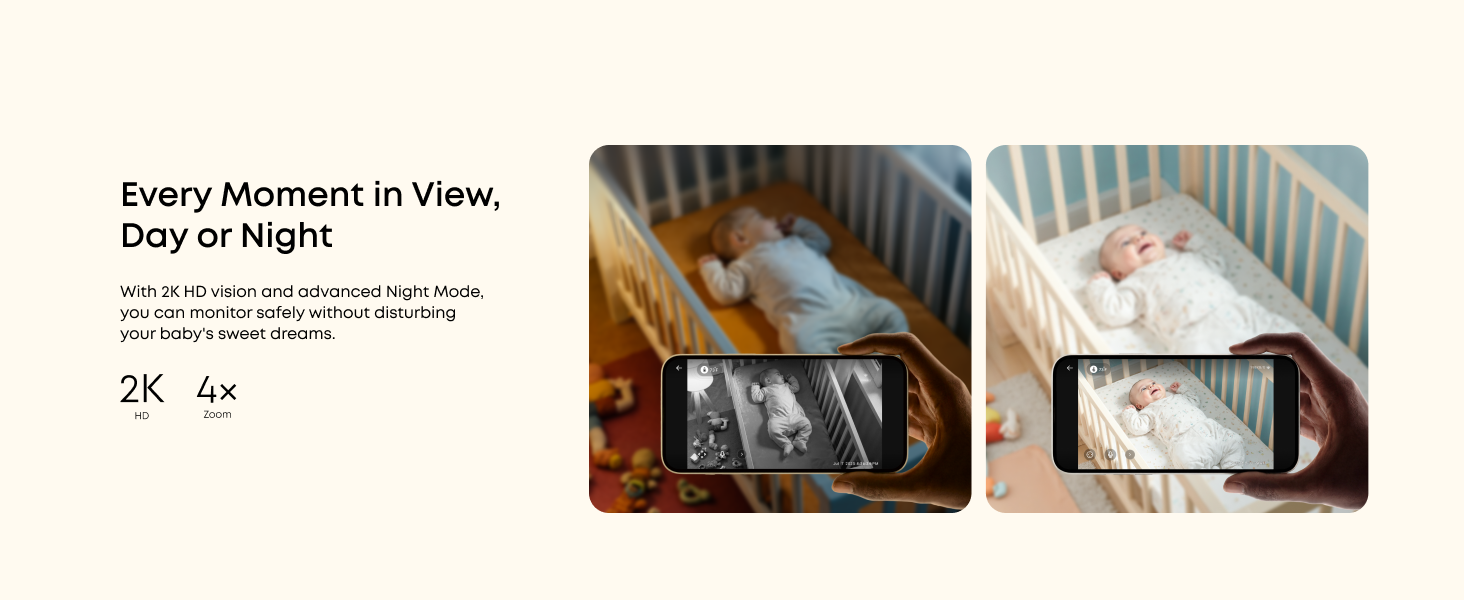
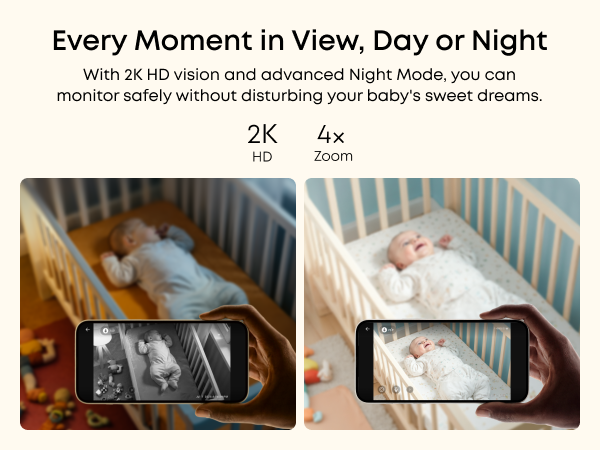
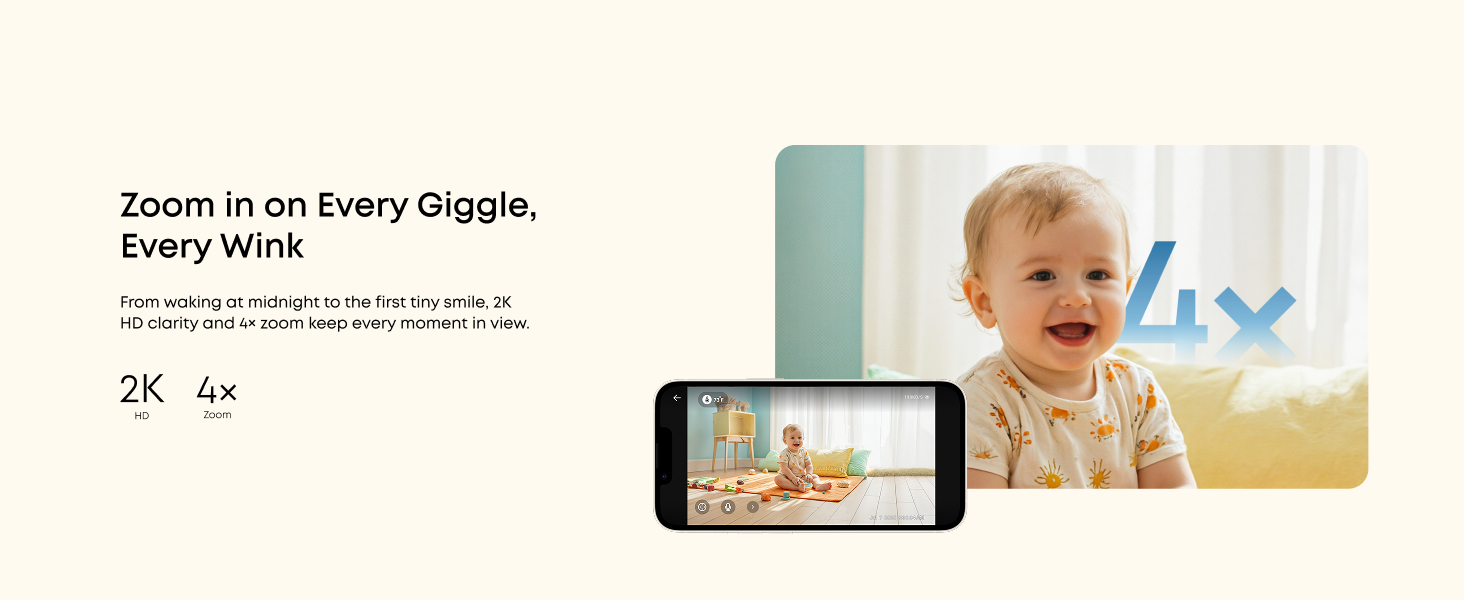
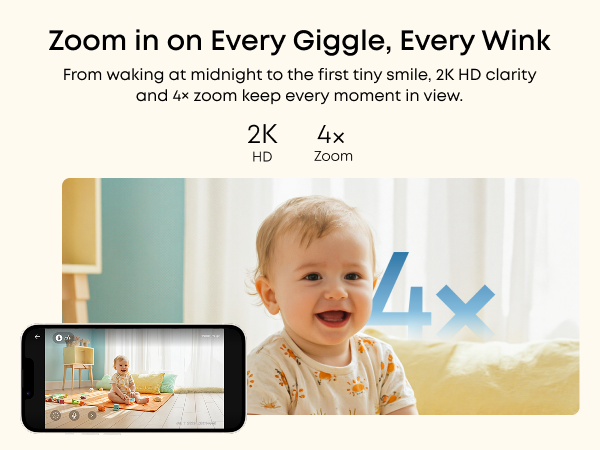
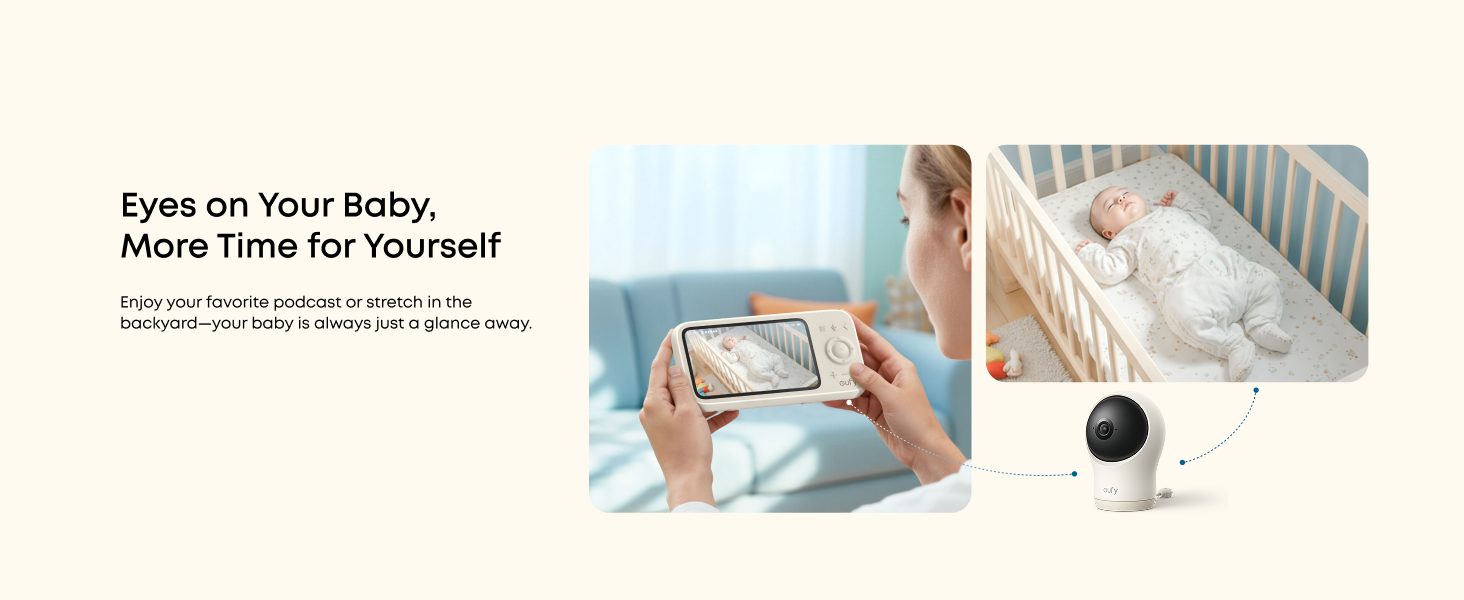
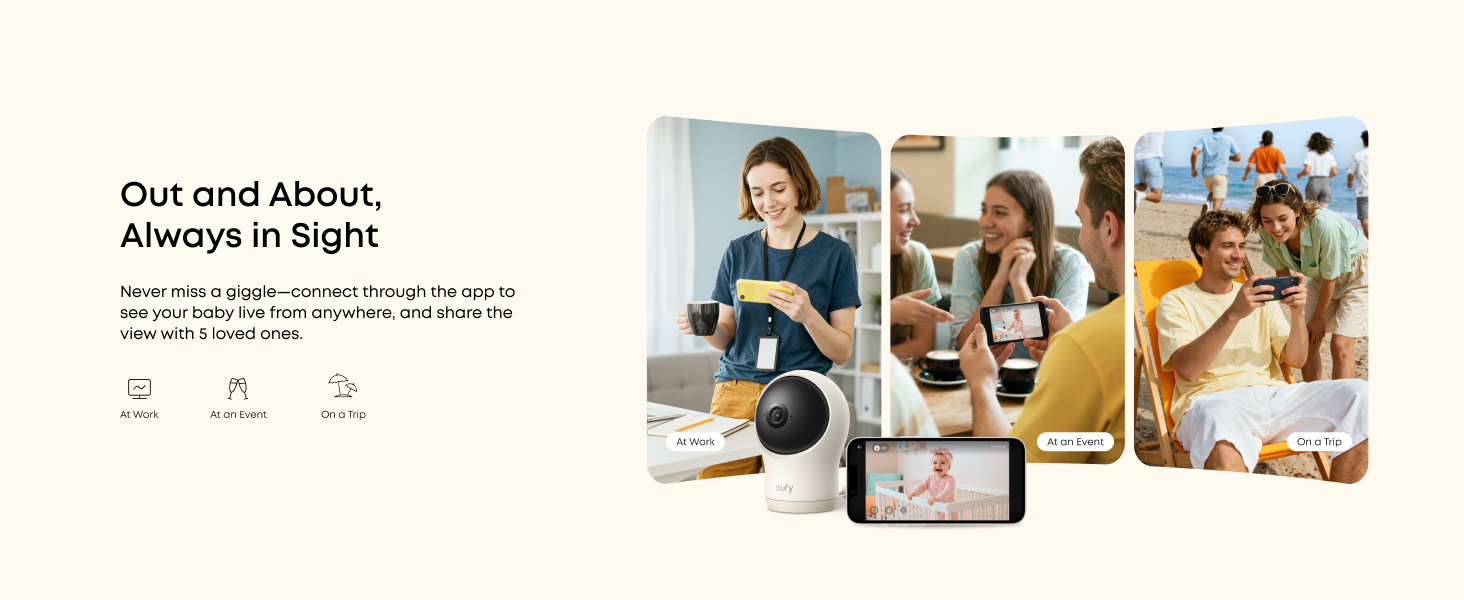
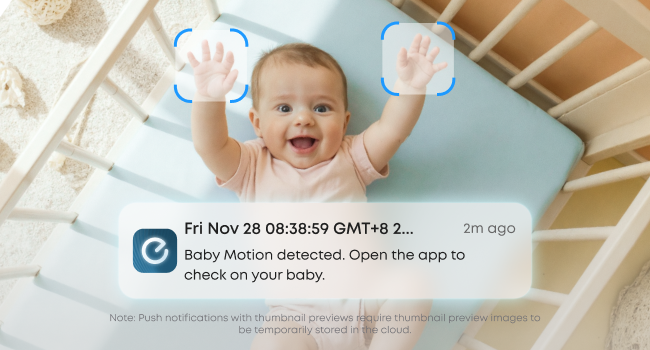
An advanced sensing system continually monitors your baby's every kick and roll. Customisable alerts cut distractions and deliver critical updates for quick response when it matters most.
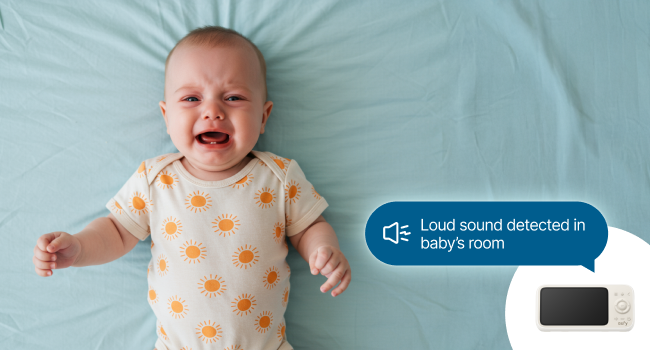
Accurately detects and notifies you of your baby's cries, room temperature changes, and loud noises, so you can quickly see to their needs.
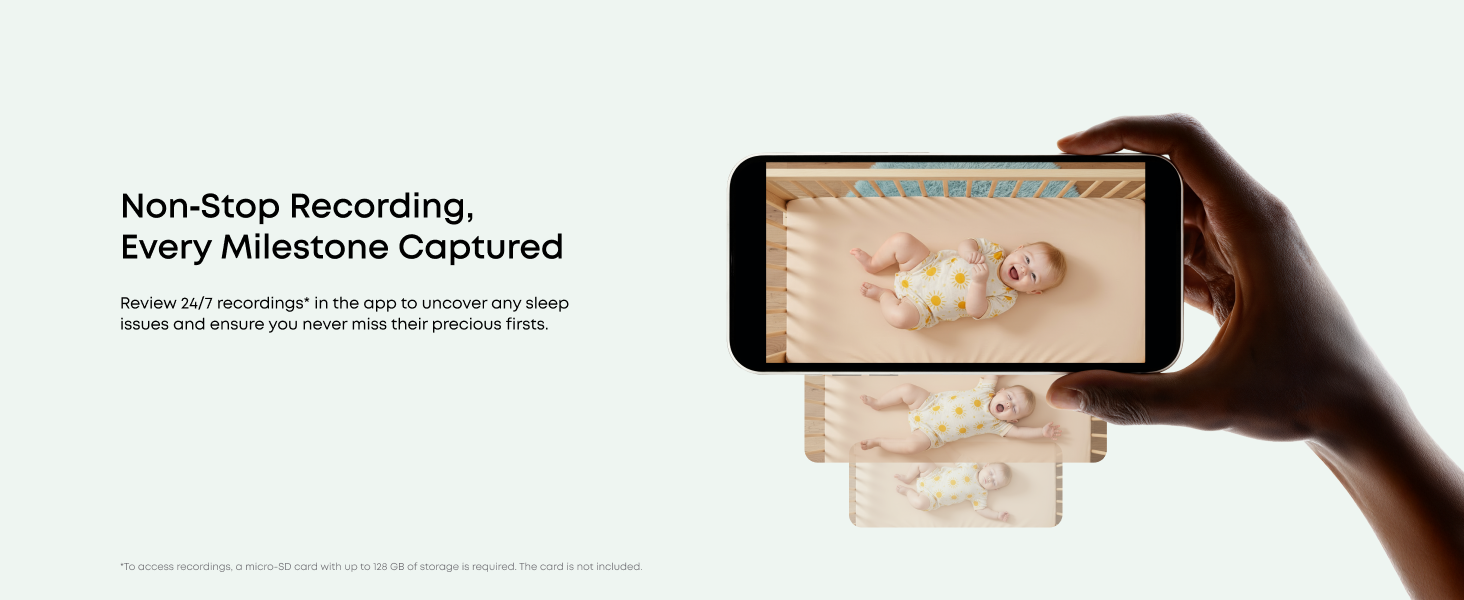

FAQ
Does the camera have a built-in battery, an SD card, or Alexa support?
No. The camera has no built-in battery and no SD card included. The SD card slot is located underneath the camera lens. It requires the provided USB-C cable for power. Also, it is not compatible with Amazon Alexa.
What devices and networks are compatible?
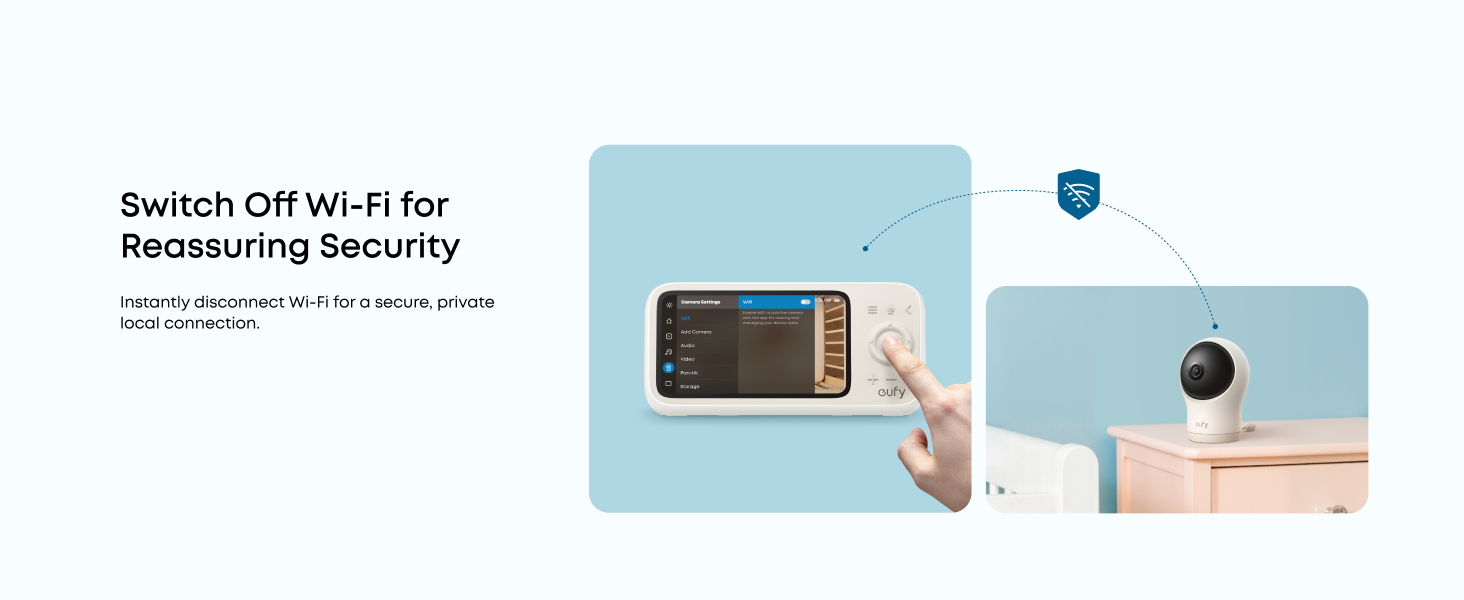
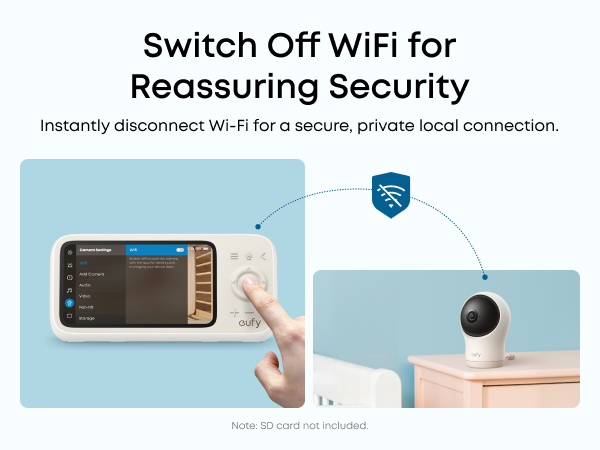
Compatible: Private home Wi-Fi only.
Incompatible: Alexa, eufy Baby monitor E20/E21/E110, eufy Smart Sock S320/S340, eufy Smart Display, and eufy Security Homebase.
Note: Update firmware via app for future compatibility.
What types of detection functions does the camera support?
The camera features motion, crying, loud sounds, and temperature detection. The sensitivity of motion, cry, and sound detection can be adjusted to accommodate different environments. You may set notification intervals to minimize interruptions.
How do you perform OTA updates on the monitor and camera?
Ensure both devices are connected to the eufy app.
For the camera: Open the eufy app > Settings > General > About Device > Firmware Update.
For the monitor: On the screen, go to Monitor Settings > About Device > Firmware Update.
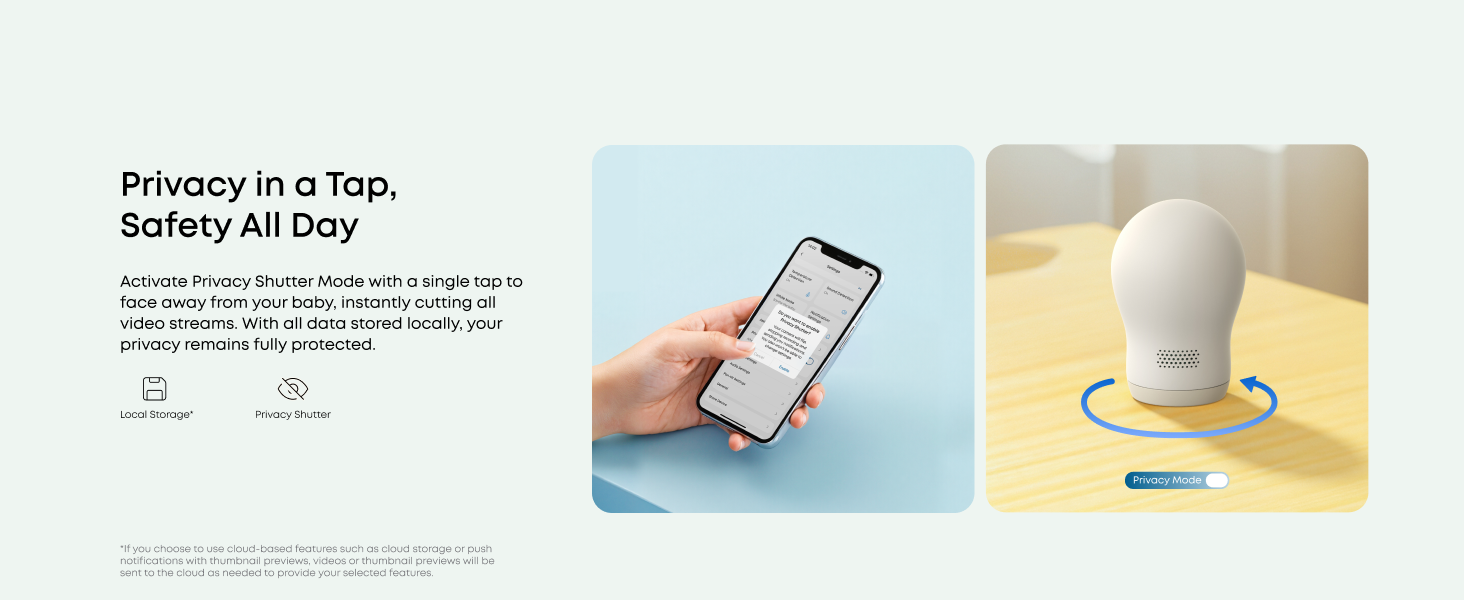
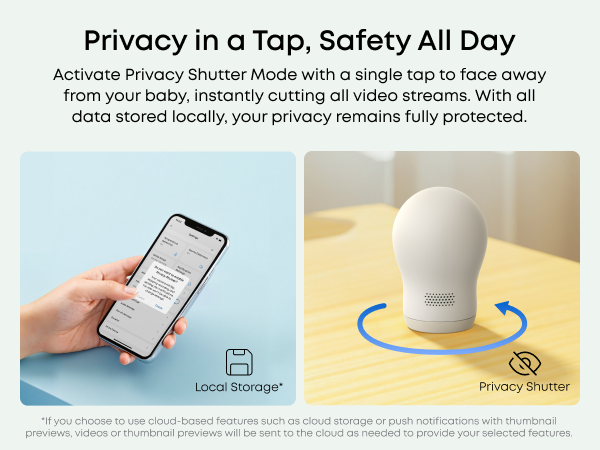
What is Privacy Shutter mode?
It temporarily disables the camera's audio and video for your privacy. When enabled, the camera automatically rotates to face the back and stops recording and streaming. To disable Privacy Mode, open the eufy app > Monitor Settings > Privacy Shutter.