eufy Omni C20 + Replacement Parts Kit

-
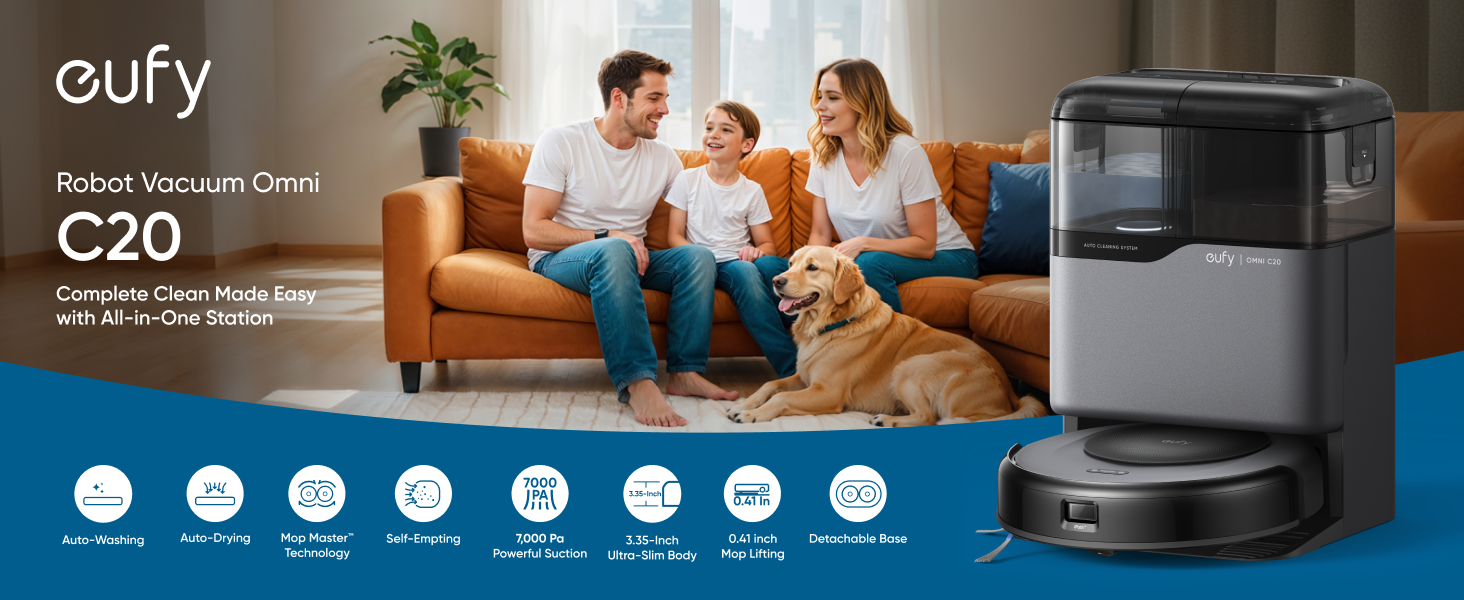
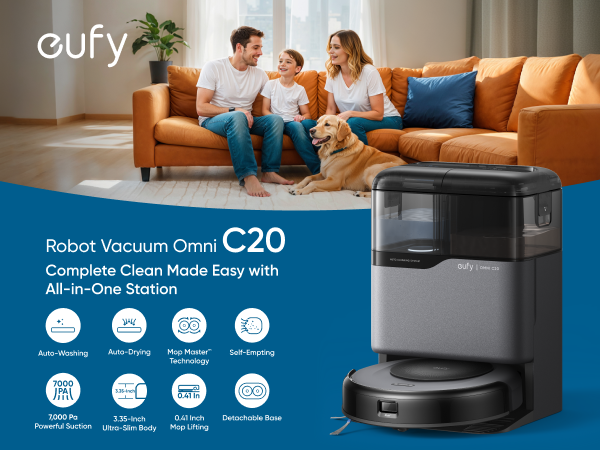
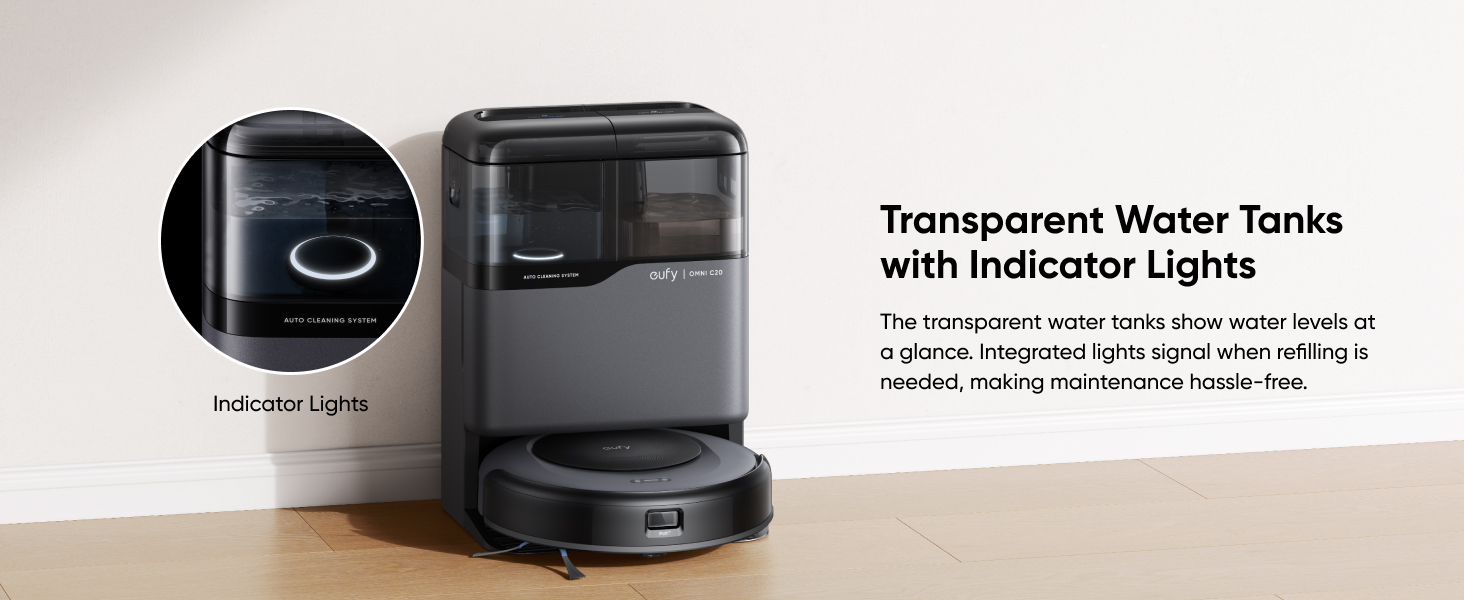
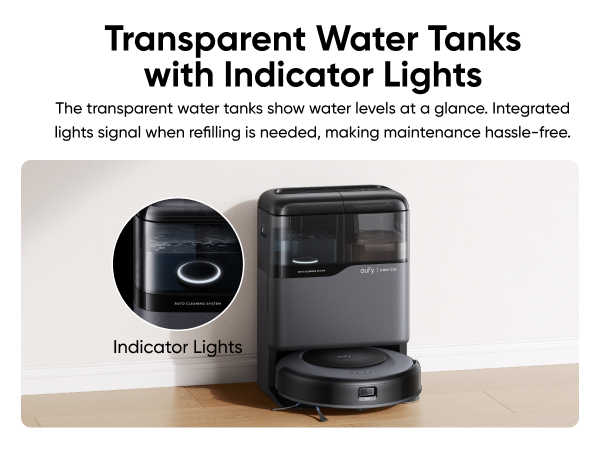
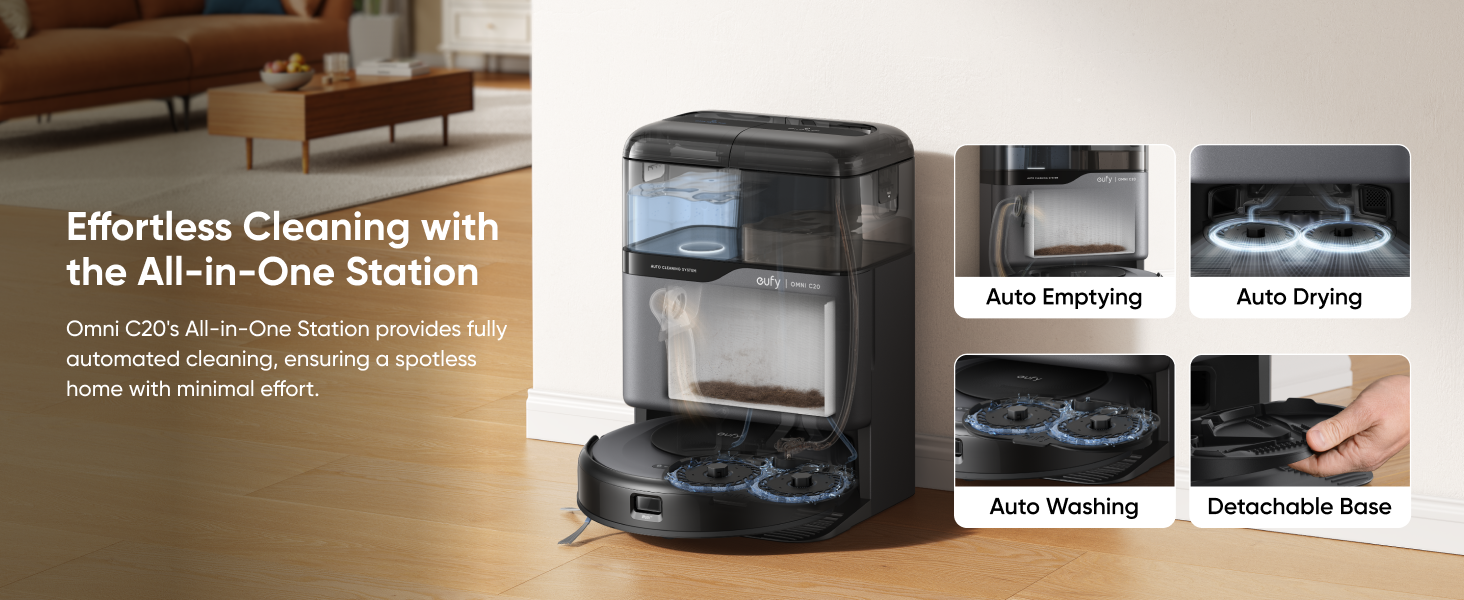
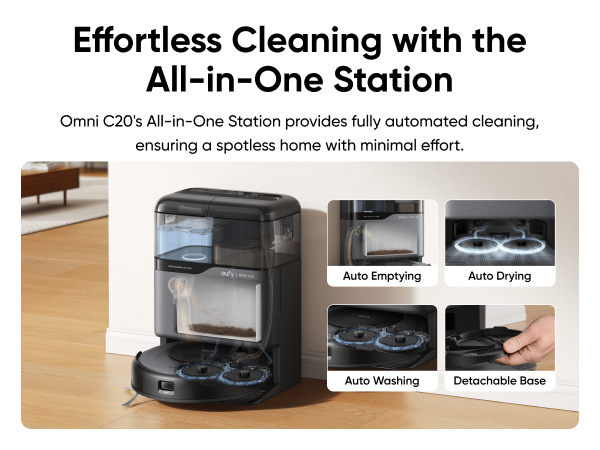
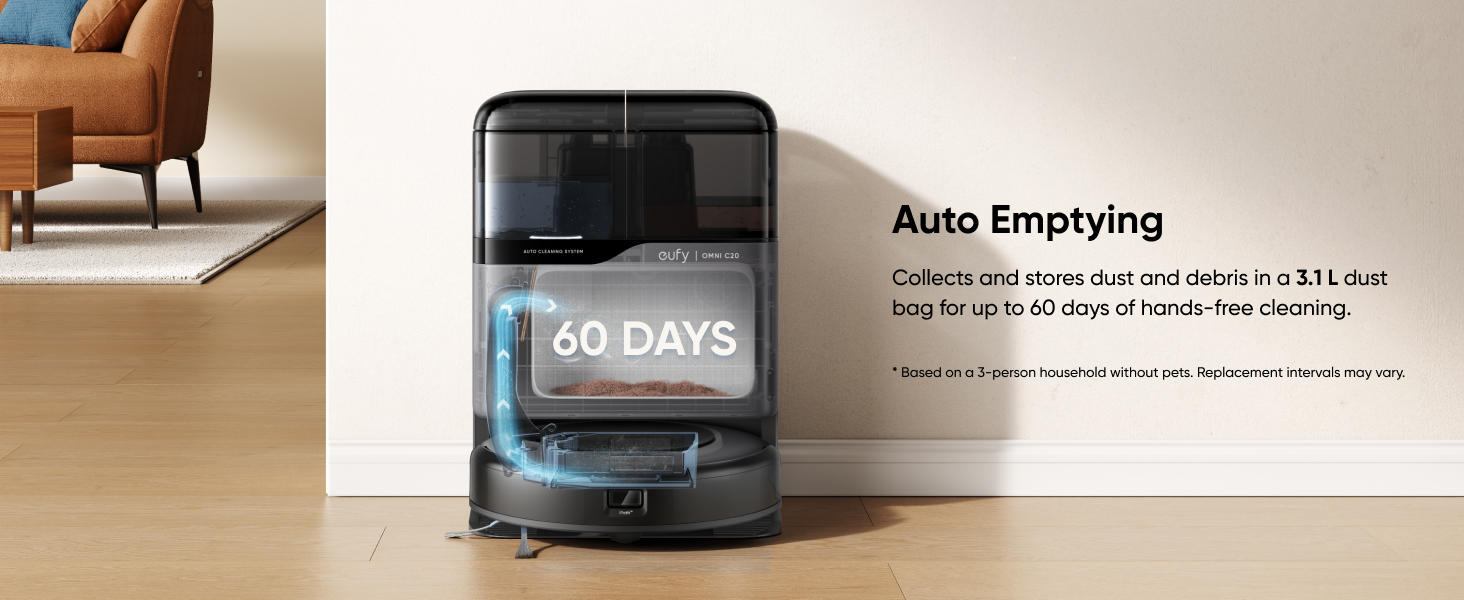
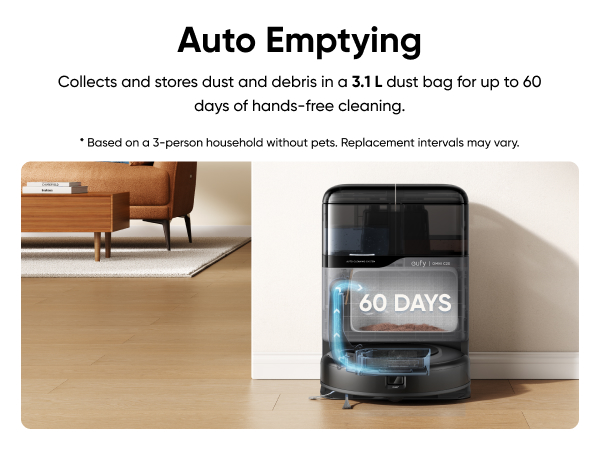
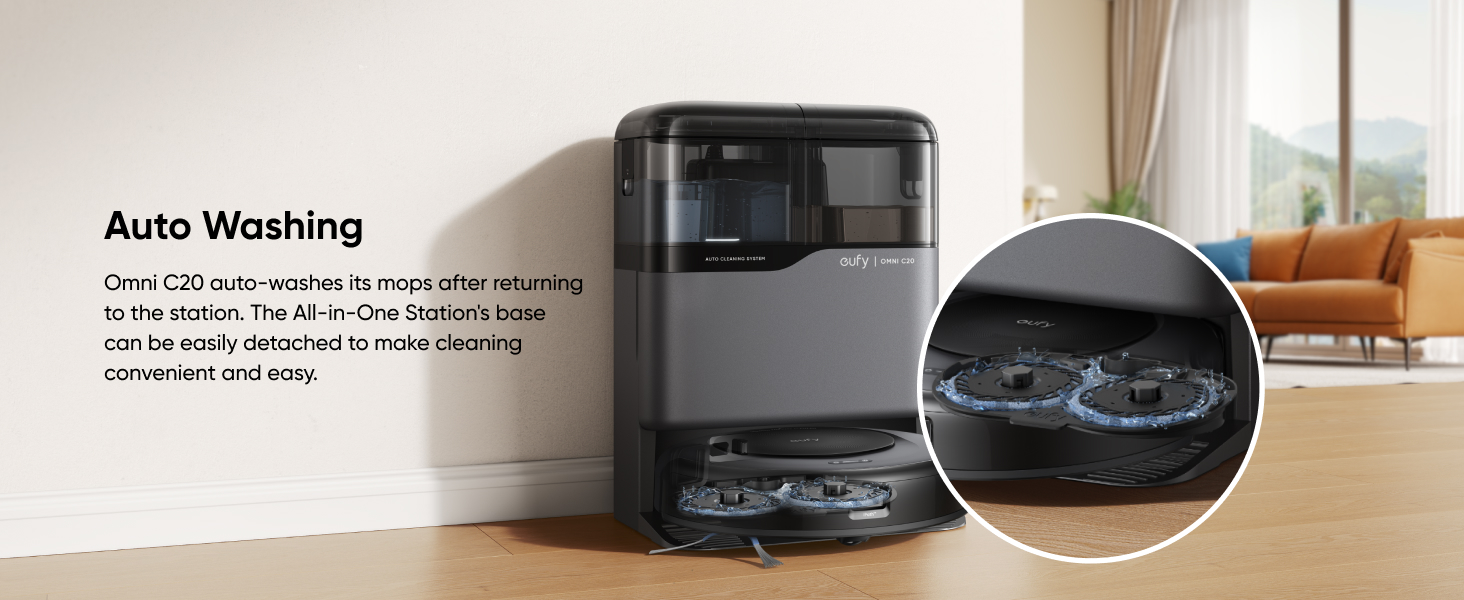
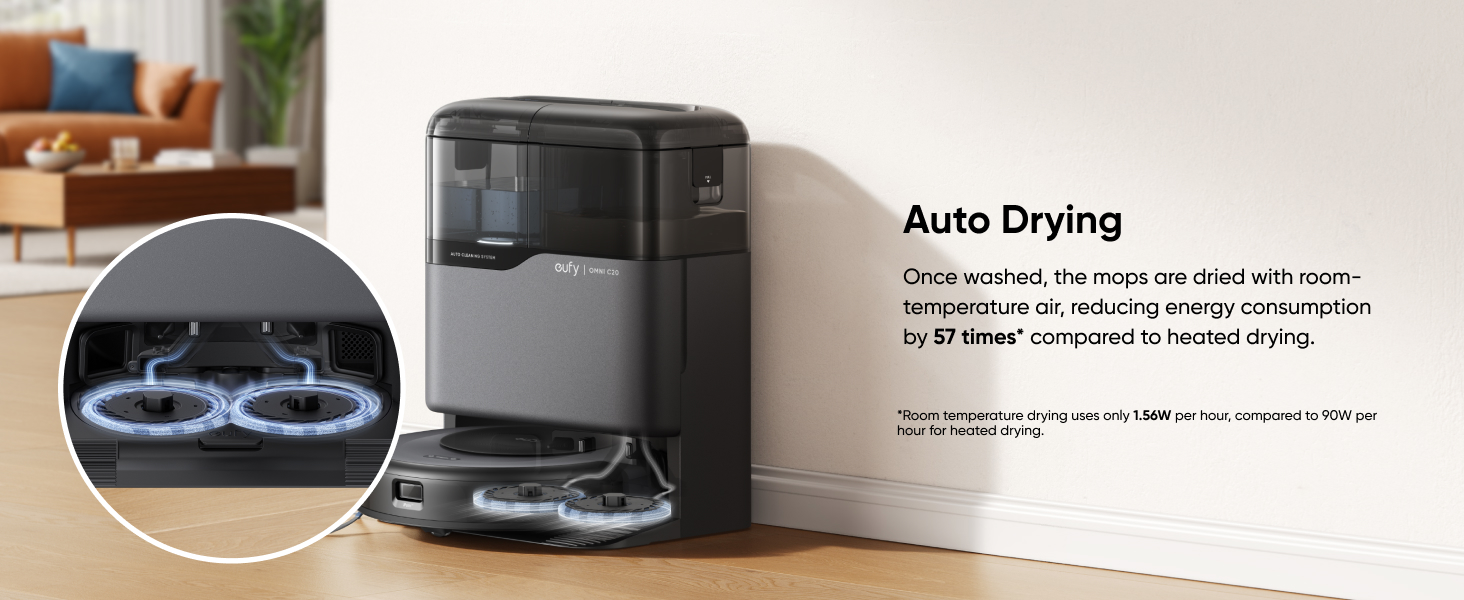
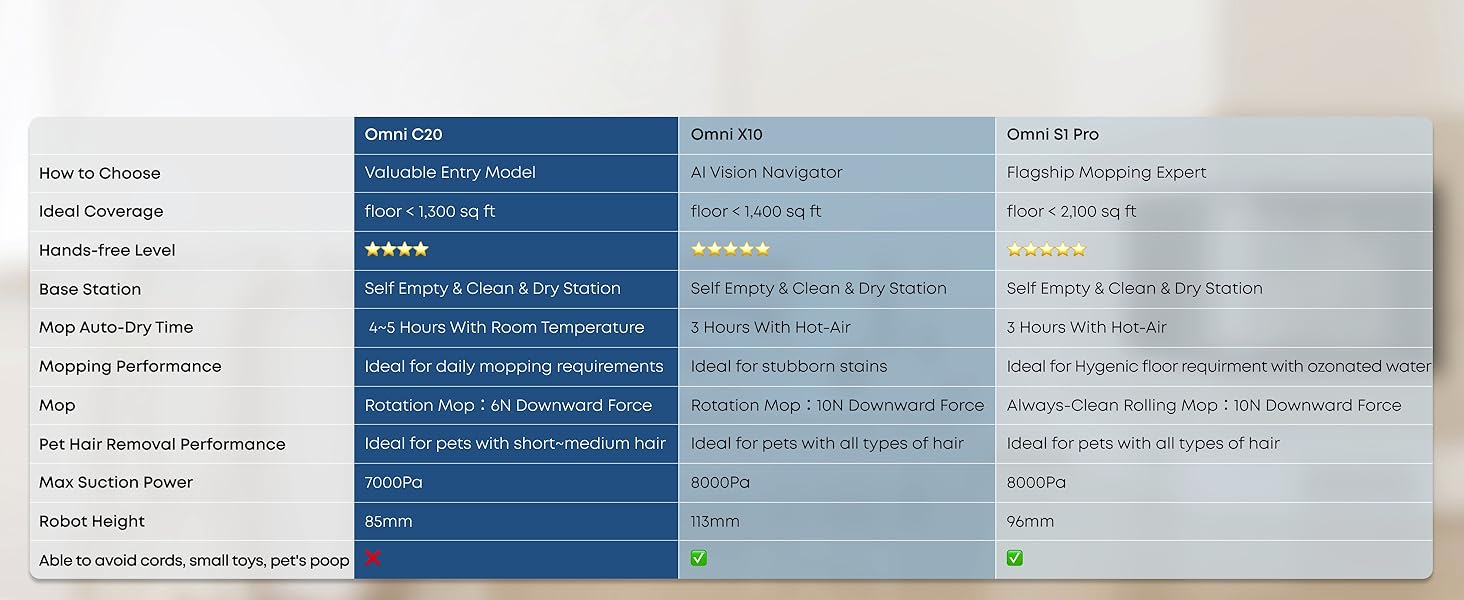
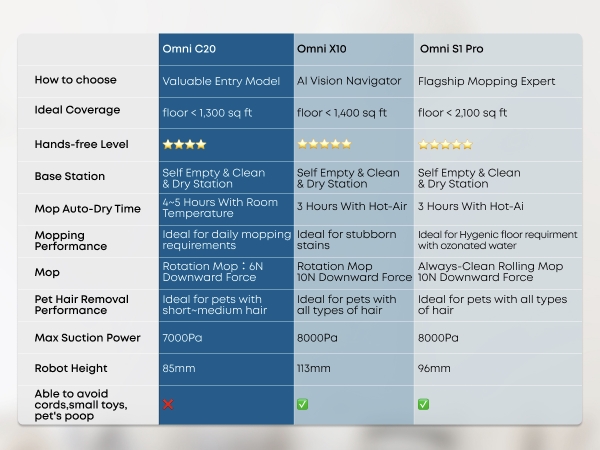
All-in-One Station: eufy Robot Vacuum Omni C20 offers fully automated cleaning with features like auto emptying, washing, drying, and water refilling. The station dries the mop with room-temperature air and has transparent water tanks, allowing you to easily monitor water levels without opening them. This hands-free system ensures effortless maintenance.
-
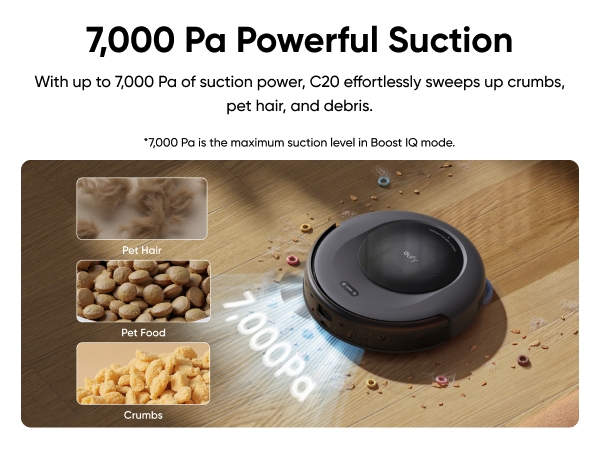
7,000 Pa Powerful Suction: Equipped with a robust 7,000 Pa suction, a rolling brush, and a side brush, C20 efficiently tackles dirt, crumbs, pet hair, and debris. ( Note: Performance may vary depending on floor type and dust levels.)
-
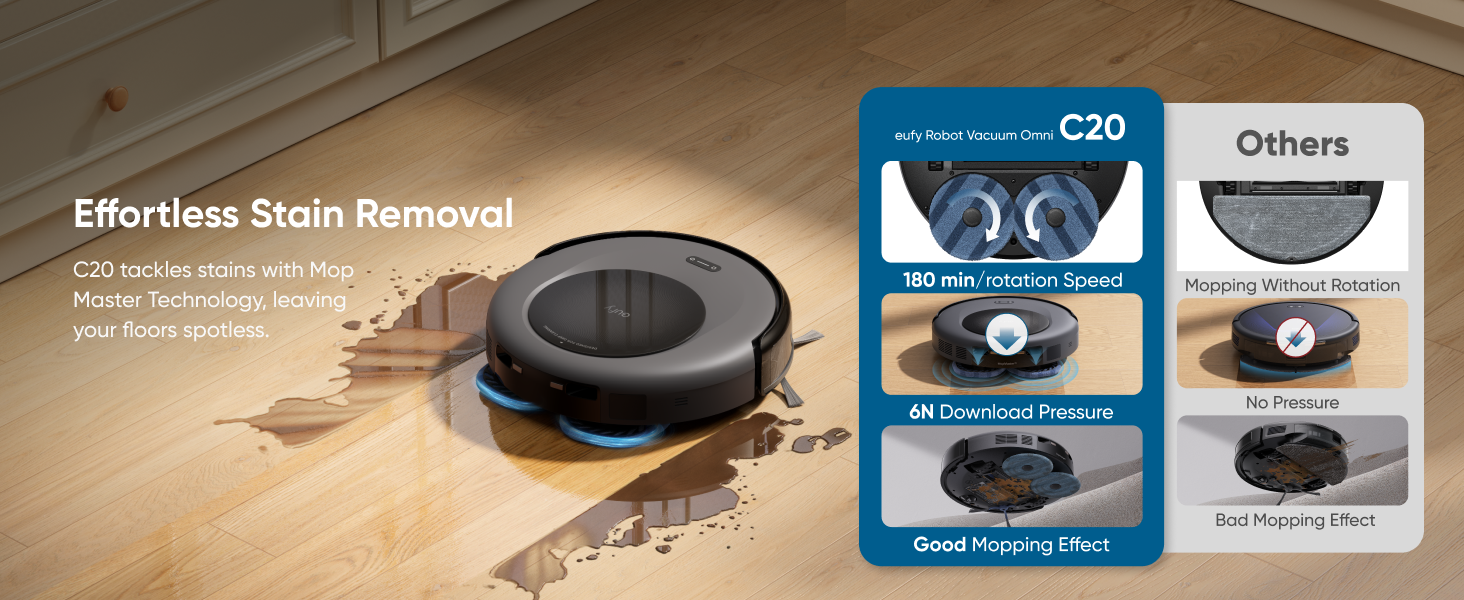
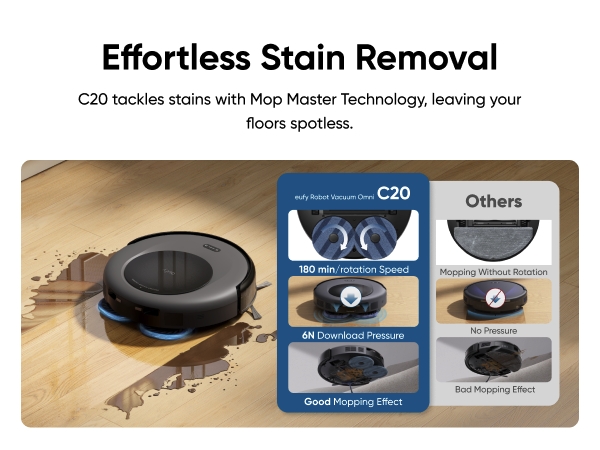
Mop Master™ Technology: With 180 rotations per minute and 6N of pressure, Omni C20 effortlessly removes tough stains. It features dual sweeping and mopping modules, allowing simultaneous cleaning through the app and maximizing efficiency.
Replacement Parts Kit
- Broad eufy Robot Vacuum Compatibility: Compatible with Robot Vacuum C20 Omni
- All-In-One Maintenance Pack: 2 side brushes, 2 mops, 2 washable filters, 1 rolling brush and 1 rolling brush guard ensure a full suite for upkeep with Robot vacuums.
- Quality assured: High-quality retail accessories keep your robot vacuum running at peak performance.
- Tool-Free Installation: Effortlessly replace parts on your Robot Vacuum with a simple, straightforward process that requires no additional tools, making it an easy-to-use cleaning tool.
- Authentic eufy Accessory: To extend the lifespan of your vacuum cleaner, please purchase genuine official accessories.
 eufy Robot Vacuum Omni C20 + Replacement Parts Kit€524.99


- 30-Day Money-Back Guarantee
- Hassle-free Warranty
- Lifetime Customer Support






FAQ
How do I properly dry my Omni C20 mop pads?
Default Drying Time: The drying time is set to 4 hours, which is usually enough.
Humid Conditions: In high-humidity environments, extend drying time to 5-6 hours via the eufy Clean app to ensure proper drying.
How can I enhance Omni C20 mopping performance?
Vacuum First: Use the vacuum-only mode before mopping to remove dust and hair via the eufy Clean app.
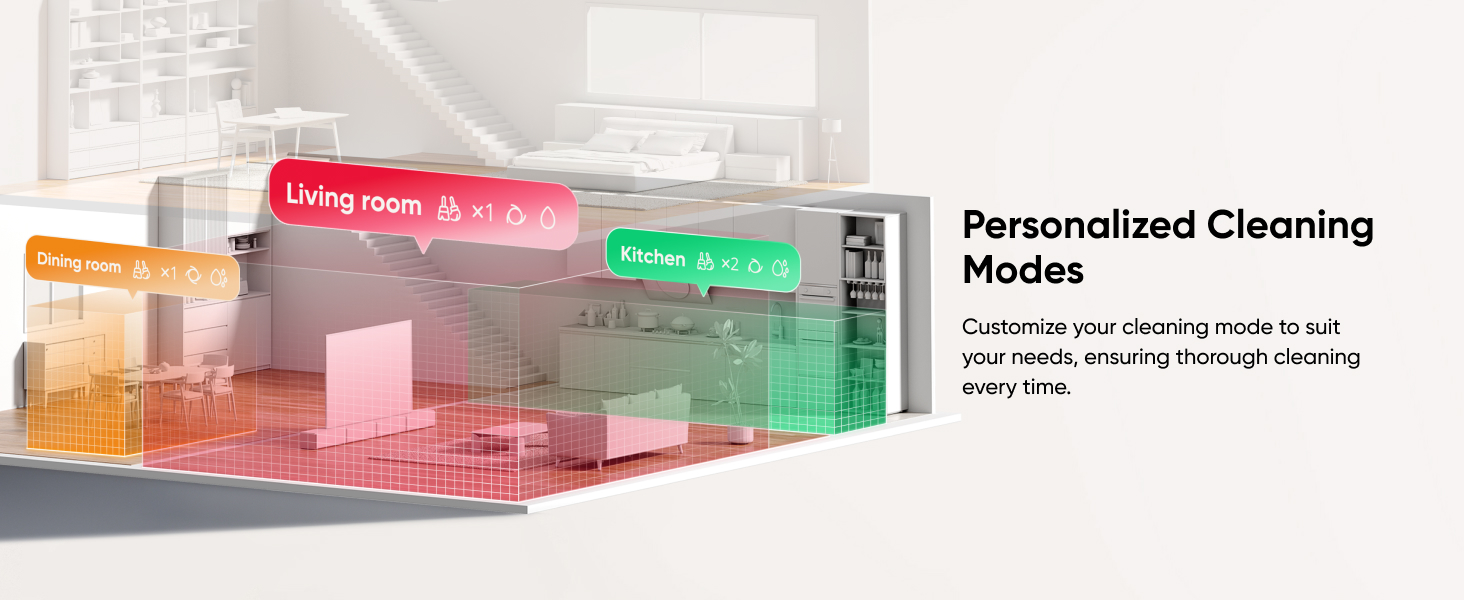
Increase Water Level: To deep clean, adjust the water level in the app and select double mopping for stubborn stains.
Cleaning Solution: Use only the eufy cleaning solution, mixed at a 1:200 ratio with water.
Replace Mop Cloths: Change the mop cloths every three months for optimal results.
What should I do before using Omni C20 to ensure clean performance?
Suction Adjustment: Use Turbo or Max suction mode for better cleaning for homes with pets or children. In the app, adjust the empty frequency to High.
Double Clean Areas: Use the app to clean areas with heavy debris or hair twice.
Accessories Maintenance: Regularly clean and replace robot accessories for optimal performance.
Firmware Upgrade: Ensure the robot's firmware is updated via the eufy Clean app.
How can I ensure the Omni C20 can clean my house in a single session?
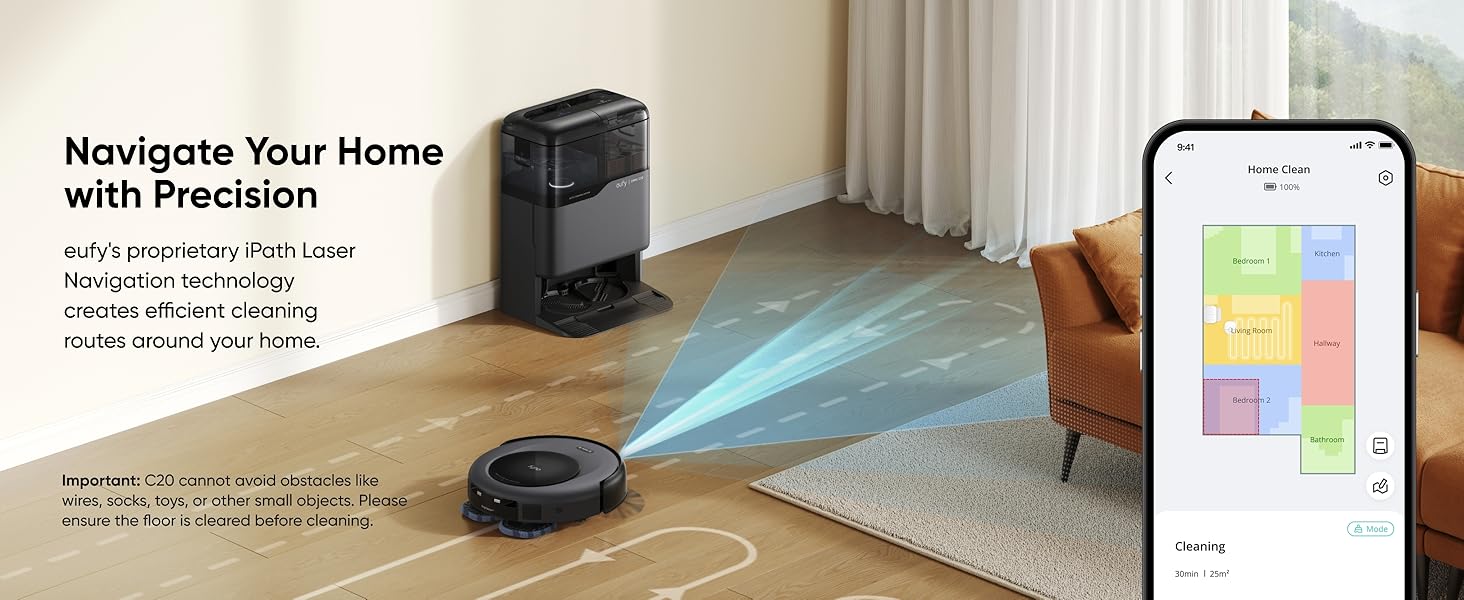
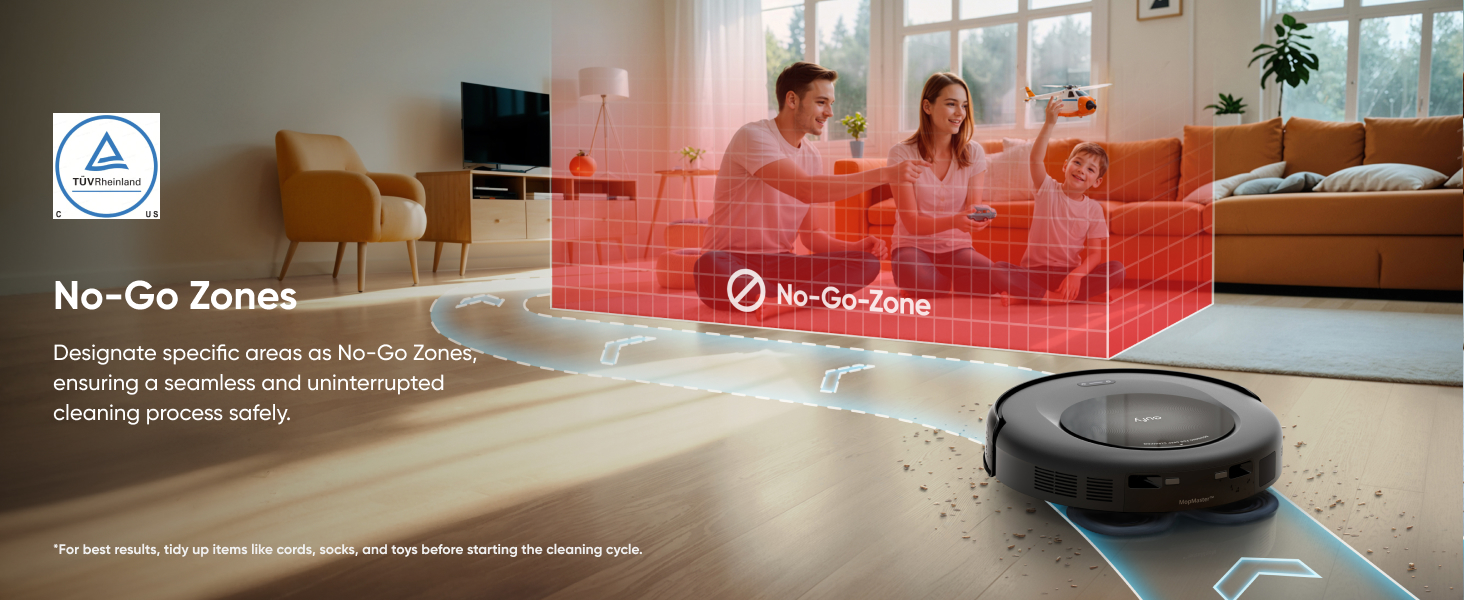
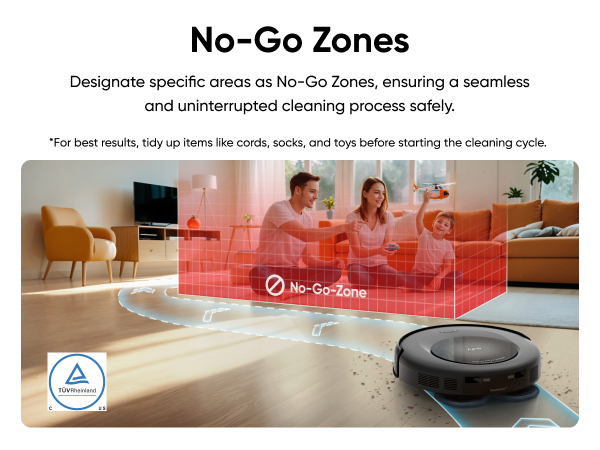
Clear the Area: Remove small objects like cords, socks, toys, and clothes to avoid the robot getting stuck.
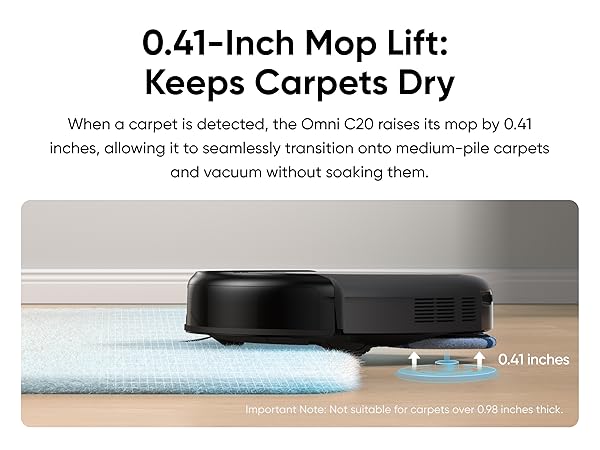
Set No-Go Zones: Create no-go zones for thick carpets or areas where the robot may get trapped.
Manage Carpet Edges: Flatten or secure curled carpet edges to help the robot navigate smoothly.
Enable Auto-Return: Activate the auto-return cleaning function for larger homes via the app.
Firmware Upgrade: Regularly update the firmware via the app for better performance.
How do I ensure efficient recharging of the Omni C20 after cleaning?
Power Supply: Ensure the Omni station is correctly connected to a power source and check for the white light.
Station Placement: Place the Omni station on a flat, hard surface (not a carpet) near a wall and free of obstacles.
Pin Maintenance: Regularly clean the charging pins on the robot and station. If pins don't rebound normally, contact eufy for a replacement.
Set No-Go Zones: The app allows you to create no-go zones for thick carpets or areas where the robot may get stuck.
Carpet Edge Management: Flatten or secure carpet edges to prevent navigation issues.
How can I obtain the manual and other materials for my Omni C20?
All product materials are available in digital format to support environmental sustainability and prevent lost paper manuals. After receiving your Omni C20, scan the QR code on the packaging to access and download the manual, eufy Clean app, how-to videos, accessories, and more. You can save a photo of the QR code or bookmark the webpage link for future reference.
How To Video

